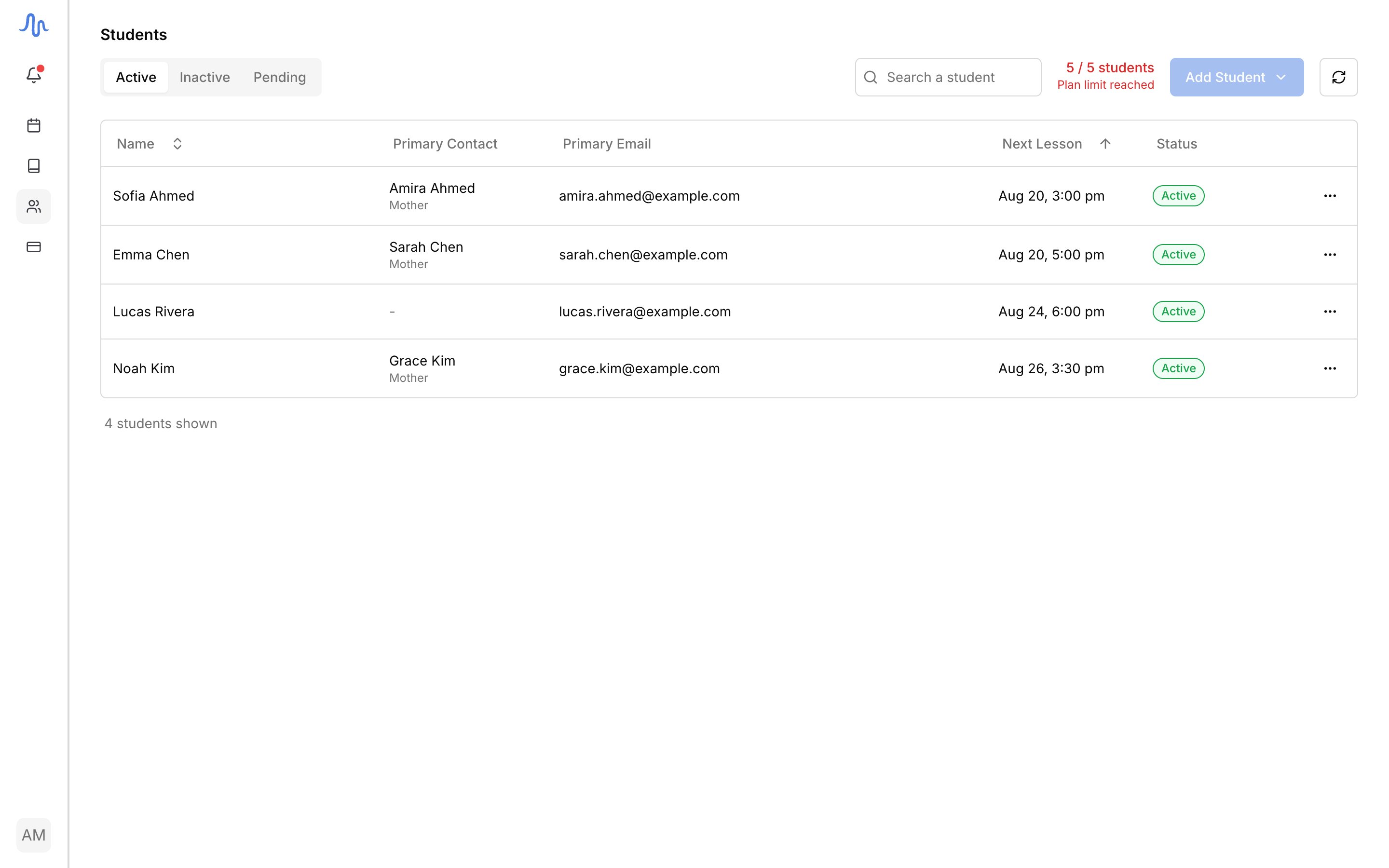
The Students page is your roster. Find anyone in your studio, see where they stand, open their profile, and reach everything you do with them from one place.

Find a student

The list opens on three tabs:
TabWho’s here
ActiveStudents with at least one upcoming lesson
InactiveStudents with no upcoming lesson, including locked students
PendingPeople who submitted a sign-up link, waiting for you to approve or reject. See Invite with a link

Open a student’s profile

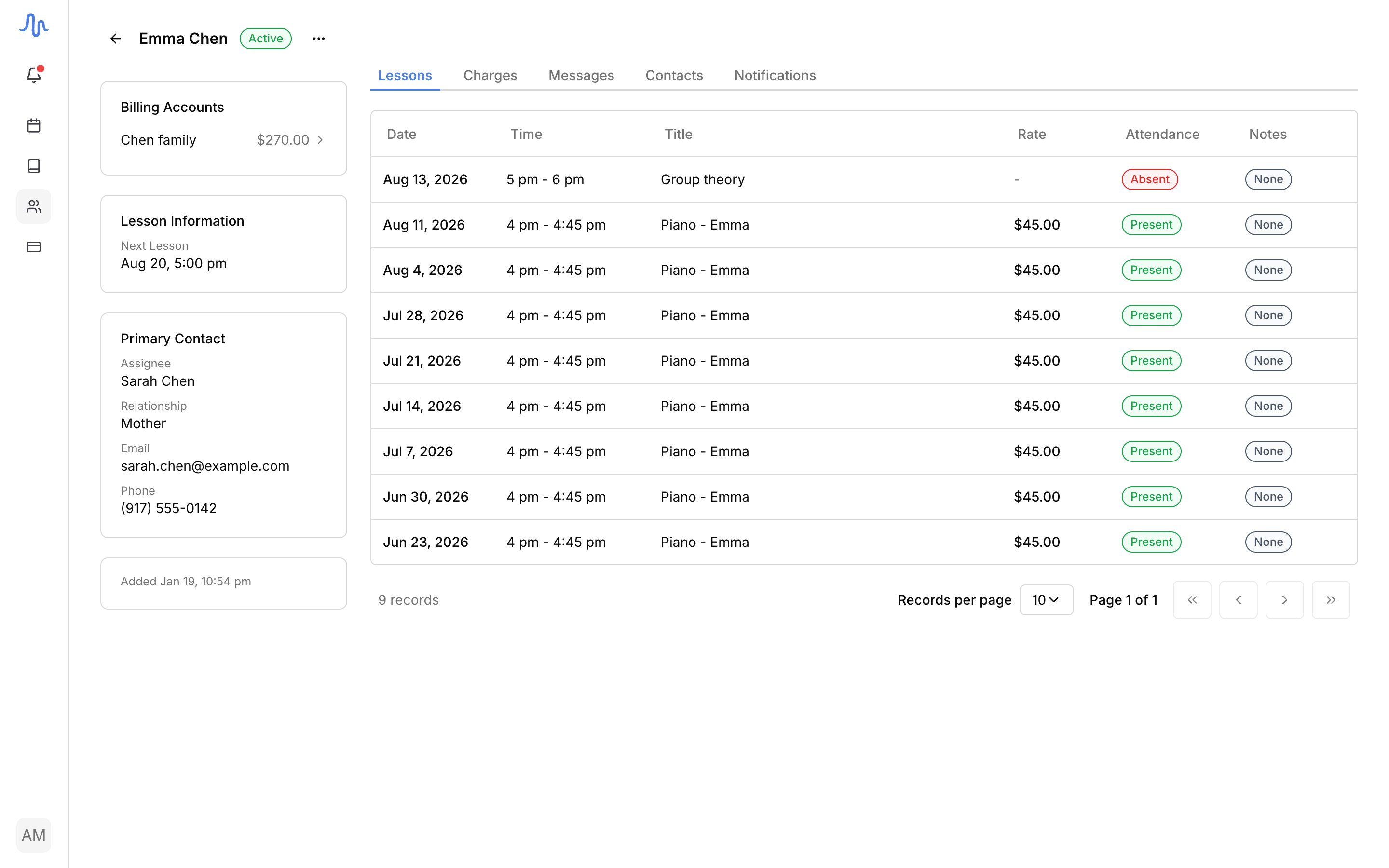
Click a student to open their profile. The sidebar holds four cards:
CardWhat it shows
Billing accountsEvery account the student is billed through, with its balance and any available credit. See Accounts and students
Lesson informationThe student’s default rate and their next lesson
Primary contactThe student, or the guardian who handles billing and scheduling, with their email and phone
Date addedWhen the student joined your studio
The tabs below hold the detail:
TabWhat it shows
LessonsLesson history: date, time, rate, attendance, and whether notes were sent. See Operate a lesson
TransactionsThe student’s charges, payments, and refunds. To bill them, see Send an invoice
ContactsEveryone attached to the student. See Contacts and notifications
NotificationsWho receives Lesson details and Lesson schedule emails. See Contacts and notifications

What you can do

From a student’s row menu (the ) or their profile: