A billing account is who you bill: the payer behind a student.

An account is the payer, not the student

A student takes lessons; an account pays for them. The account receives invoices and carries the balance, so you bill the account, not the student. Every active student belongs to at least one account, and adding a student creates their own account automatically.

Shared and family accounts

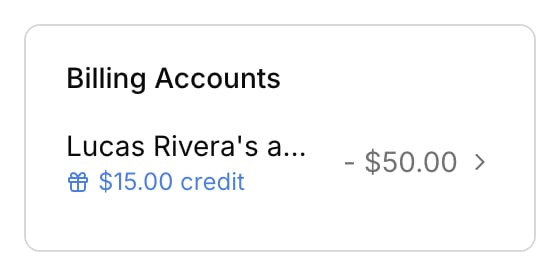
A shared account groups several students under one payer. Mia and Leo both take lessons; the Chen family account covers them both, so one invoice at month end collects both kids’ charges, and the balance belongs to the family, not to either child. A student isn’t limited to one account. The same student can be billed partly through a family account and partly through their own, for instance. When a student belongs to more than one account, a Lessons bill to picker appears on their profile’s Billing accounts card. It names the account that receives their lesson charges. Changing it only affects future charges; to move a charge that already exists, see Understand your transactions. To create a shared account, rename an account, or change who’s on it, go to Finances → Accounts. See Manage billing accounts.

Who gets billed

Billing recipients are the account’s contacts, set when you create or edit the account in Finances → Accounts. These are separate from a student’s notification settings: a student’s Lesson details and Lesson schedule recipients control lesson emails, not invoices. See Contacts and notifications.