Open the Delete dialog
On the student’s profile, click the … menu and choose Delete. Harness checks the student’s financial state and then shows one of two dialogs.
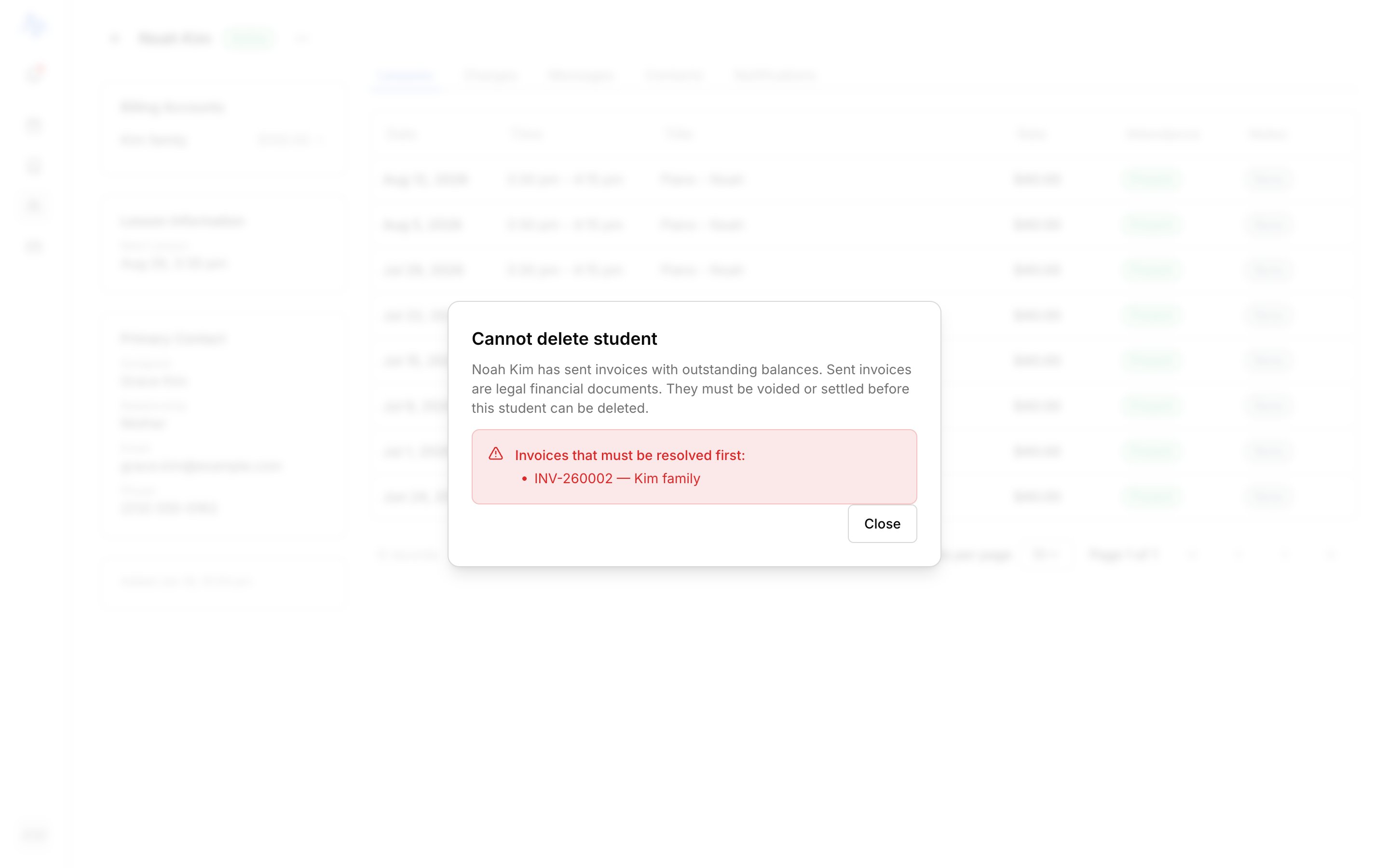
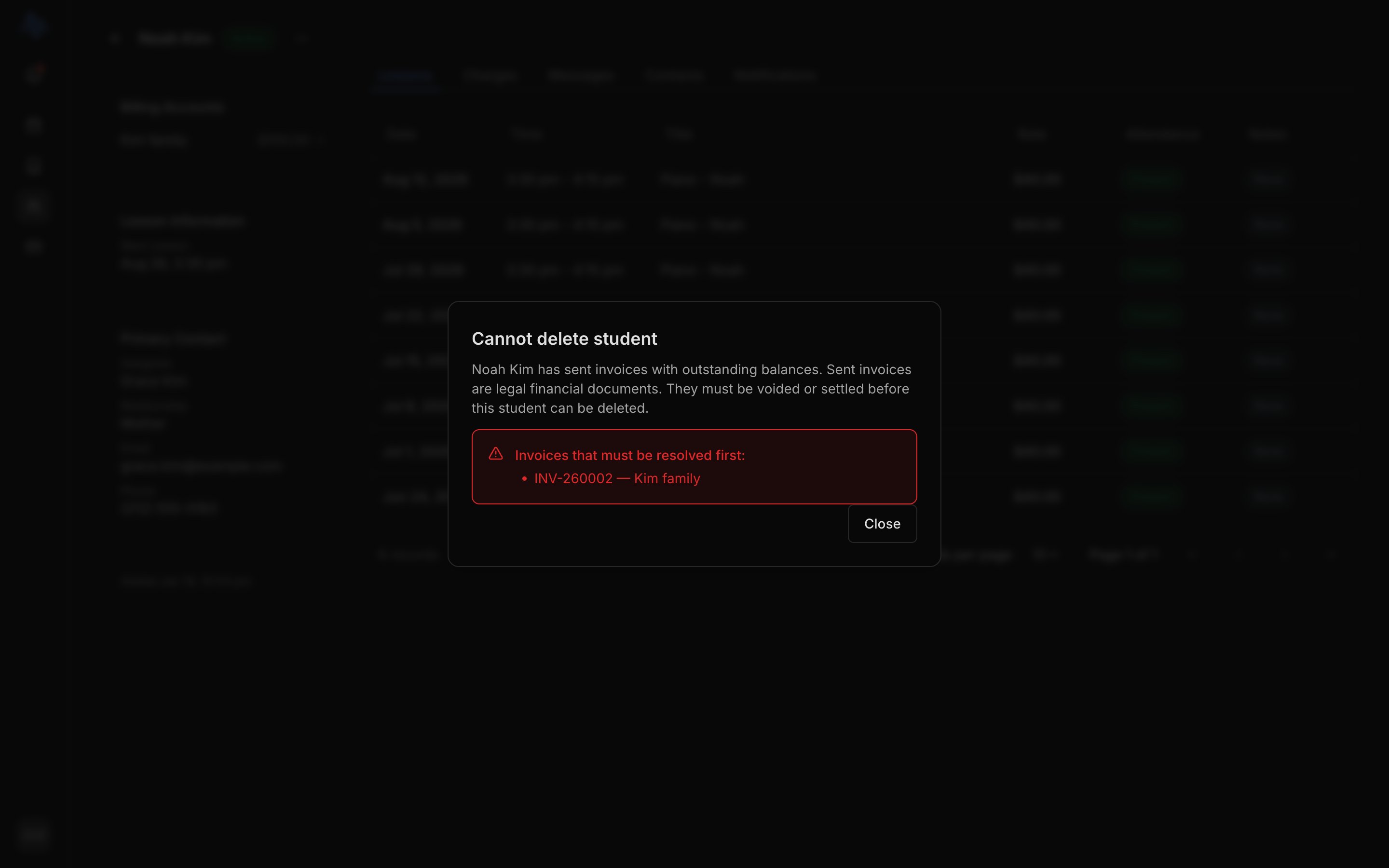
If deletion is blocked
If the student has sent invoices with outstanding balances, deletion is blocked. The dialog lists each invoice to resolve first, along with the account it bills (and whether it’s shared with other students).Void or settle those invoices, then reopen the Delete dialog. Until they’re resolved, only Close is available. To void or record a payment, see Send an invoice.
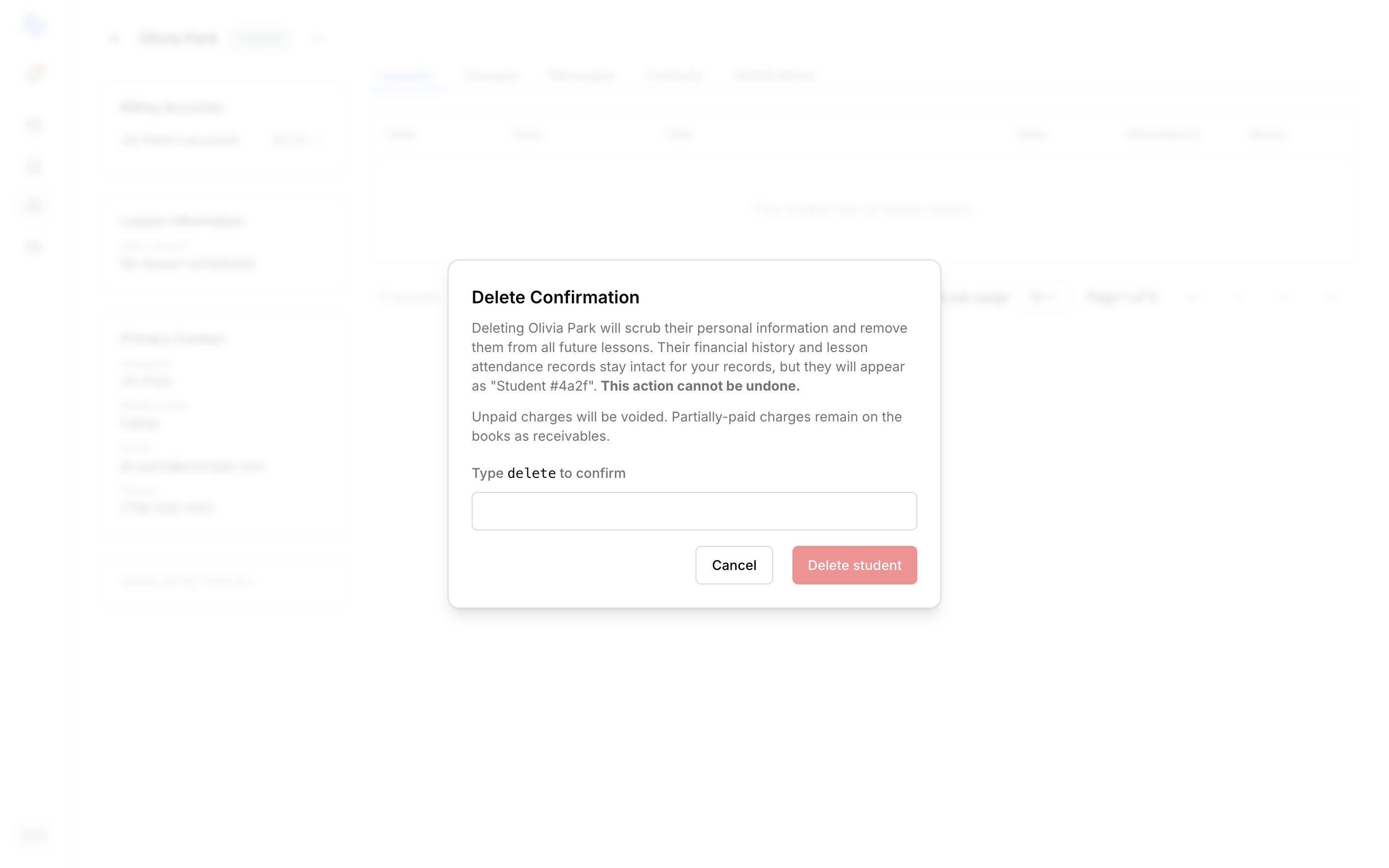
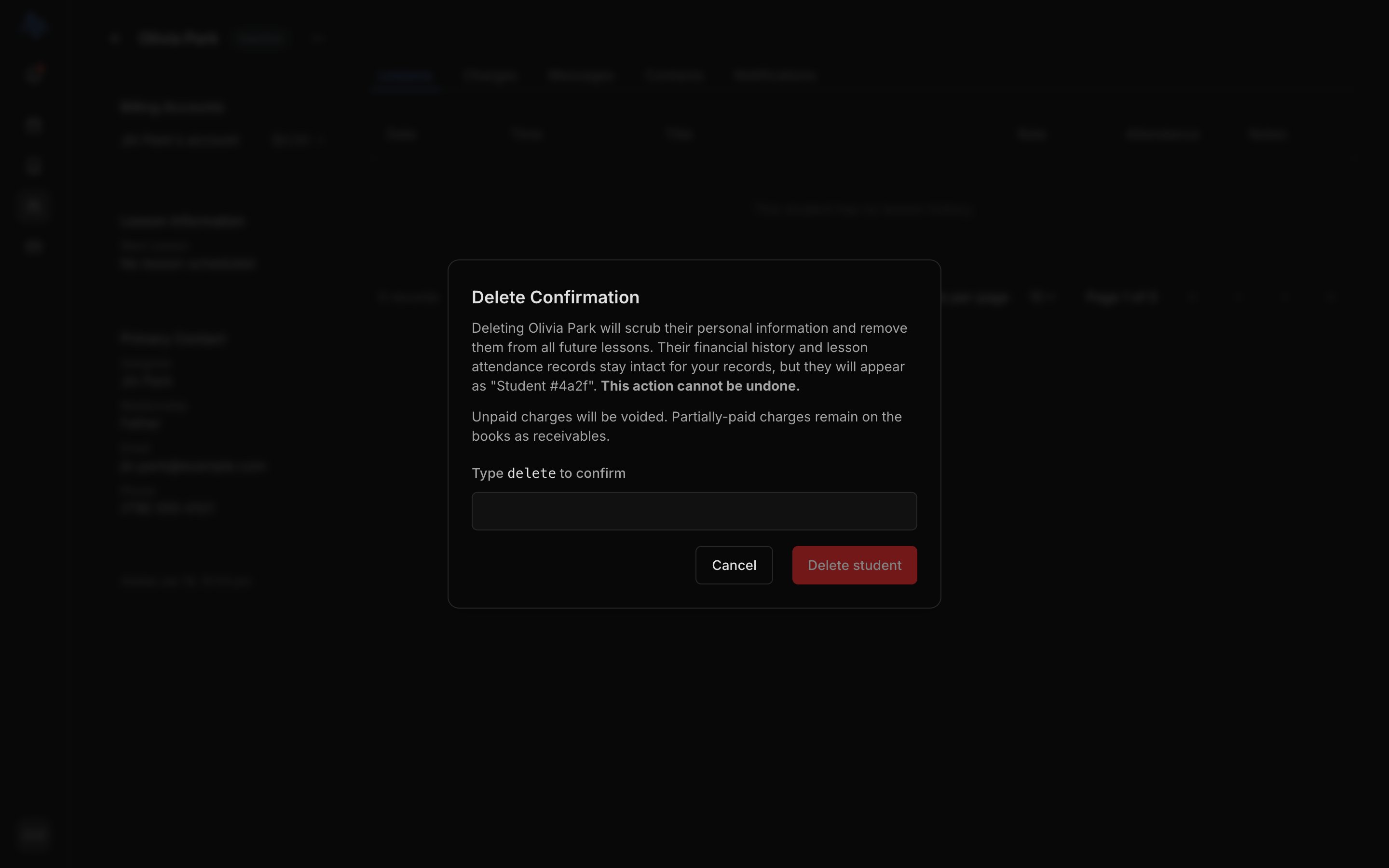
- The student’s personal information (their name and contact details) is removed. Anywhere they still appear in your records, they show as an anonymized label such as
Student #4a2f. - Their lesson attendance and financial history stay intact for your records.
- They leave the Active, Inactive, and Pending lists on the Students page.
- Unpaid charges are voided. Partially-paid charges stay on the books as receivables.
- Any credit on the student’s account is cleared.
Locked students (Hobby)
On the Hobby plan, a studio over the student limit has Locked students. A locked student sits in the Inactive tab with a lock badge (“Limit of 5 students reached”) and can only be Edited or Deleted. There’s no Activate or Deactivate. Upgrading to Professional or deleting a locked student frees a slot. For the limit itself, see Settings → Subscription.
FAQ
Can I undo a delete?
No. Deleting is permanent. If you might bring the student back, deactivate them instead. That’s reversible and keeps everything.
What happens to unpaid charges when I delete?
Charges with no payments are voided. Charges that are partially paid stay on the books as receivables, so your records still reconcile.
Why is Delete blocked?
The student has one or more sent invoices with an outstanding balance. Void or settle them first. The dialog lists exactly which invoices and the account each one bills. See Send an invoice.
A student shows a lock badge
That’s a Locked student: your Hobby studio is over its student limit. Locked students sit in Inactive and can only be edited or deleted. Upgrading or deleting one frees a slot. See Settings → Subscription.