
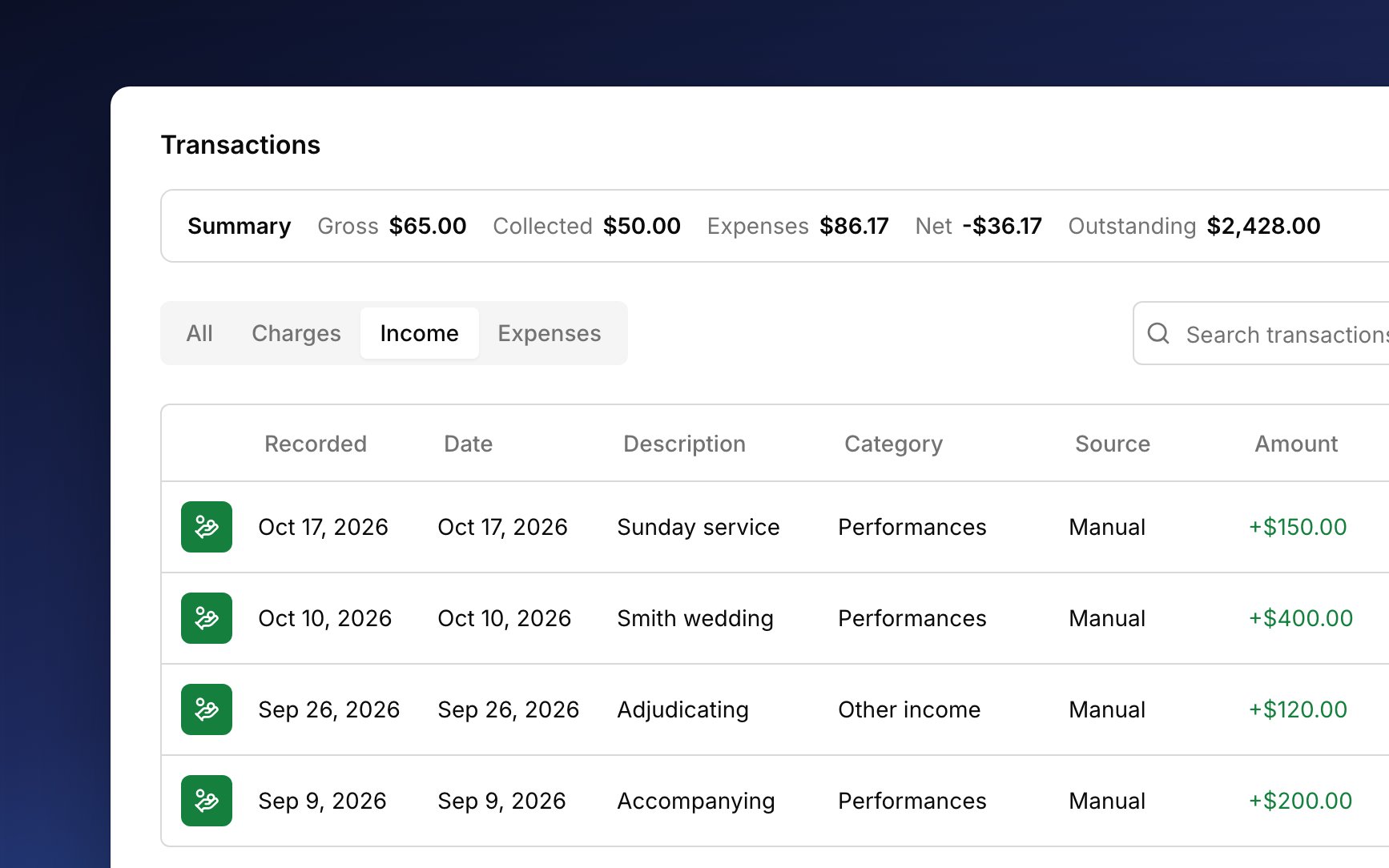
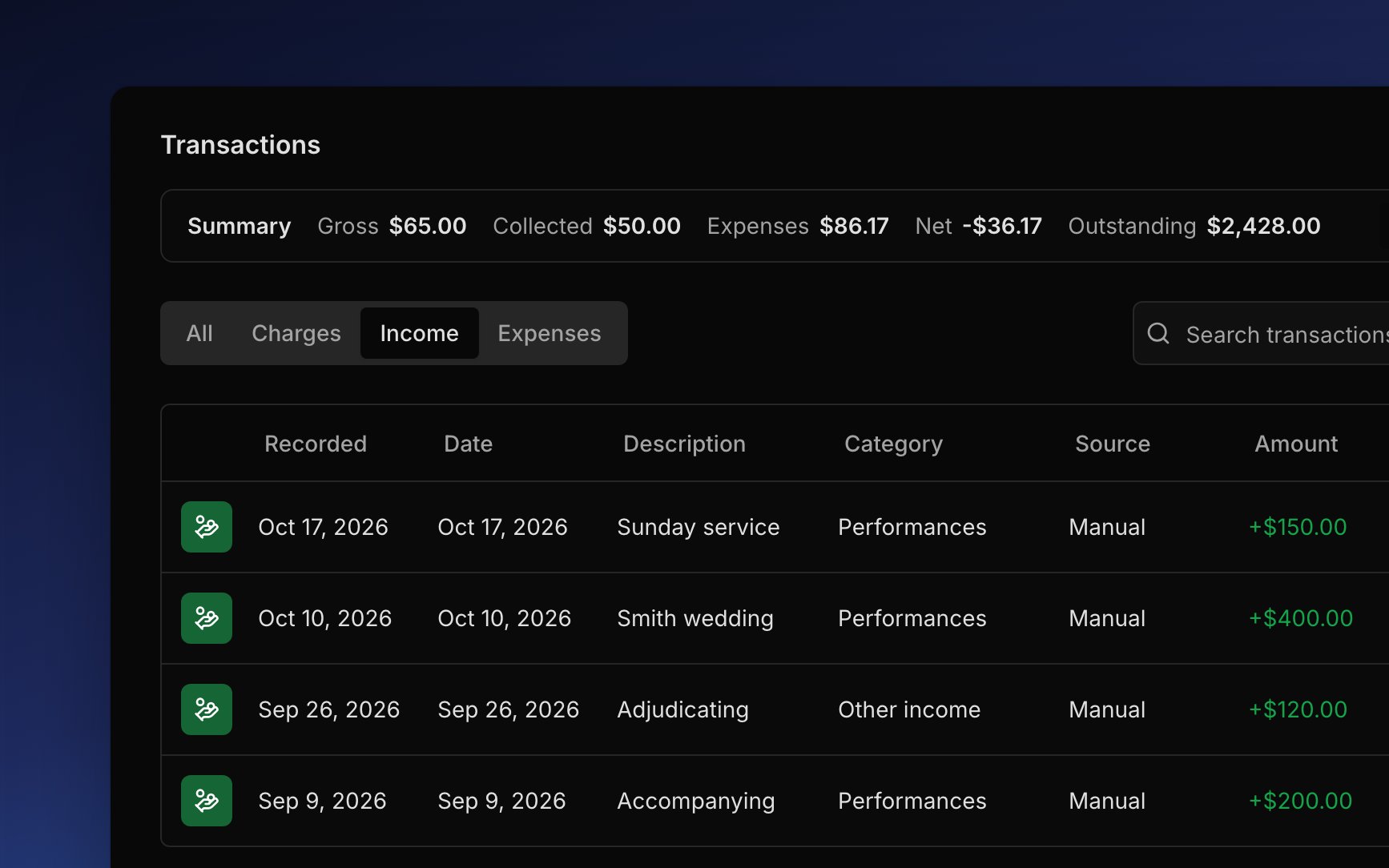
Log income
Log income when you’re paid for work outside your lessons, like playing a wedding or judging a festival.1
Open New income
Go to Finances → Transactions and choose Add Transaction → Income, or press
i anywhere in Harness.2
Say what you were paid for
Enter the amount and what it was for, like “Sunday service”. Pick a Category, or leave it for later. Then set the date and how you were paid.
3
Name who paid
Choose an account in From, or leave it with no payer (see Who paid you).
4
Add it
Click Add.
Who paid you
From records who paid you, like a church or a regular client, or no one for a one-off gig. Pick one of your accounts, or choose Create account to make one on the spot. Like any account, it needs a Bill-to with an email. Income that names an account shows on that account’s Transactions tab and groups under it in your reports, but it never changes the account’s balance.How income counts
Income counts with the rest of your revenue. In the Transactions summary, it adds to what you billed and collected, so your profit goes up too. On the Profit & Loss, it lands on its category’s line on the date you gave it, so a church fee filed under Performances sits with your other performance money. It also shows in transaction reports.Change or delete income
Click an income row to open it and fix anything that’s off. Each field saves as you change it. Delete transaction in the row’s ⋯ menu removes it for good. Like an expense, income has no void, so editing or deleting is how you fix it.FAQ
I logged income from a family's account. Why didn't their balance go down?
I logged income from a family's account. Why didn't their balance go down?
Income never pays anything off, so the balance stays put. Money a family pays for lessons or fees is a payment.
I recorded a payment as income by mistake. How do I fix it?
I recorded a payment as income by mistake. How do I fix it?
Delete the income and record the payment. There’s no way to switch one into the other.
Why is my Gross Revenue higher than what I billed?
Why is my Gross Revenue higher than what I billed?
Gross Revenue adds the income you log to what you billed families. See How income counts.
Why can't I change the amount or delete this income?
Why can't I change the amount or delete this income?
The account that paid it is closed. Reopen the account first.
Should I log a gig as income or as a paid event?
Should I log a gig as income or as a paid event?
Either one works. Pick one for each gig, never both: a gig logged as income and also as a paid event counts twice in your totals.