
Billing cycles
Every account bills on a cycle: daily, weekly on Mondays, or monthly on the 1st. Lessons bill once you mark attendance, so on a monthly cycle, October’s lessons arrive on the November 1 invoice. Set the studio’s cycle with Default billing cycle in Settings → Invoicing, or give one account its own with Billing cycle when you edit it. Accounts left on Studio default follow the studio’s cycle, including when you change it later. Invoices can’t go out every two weeks, but a recurring charge can repeat every two weeks.How much Harness does
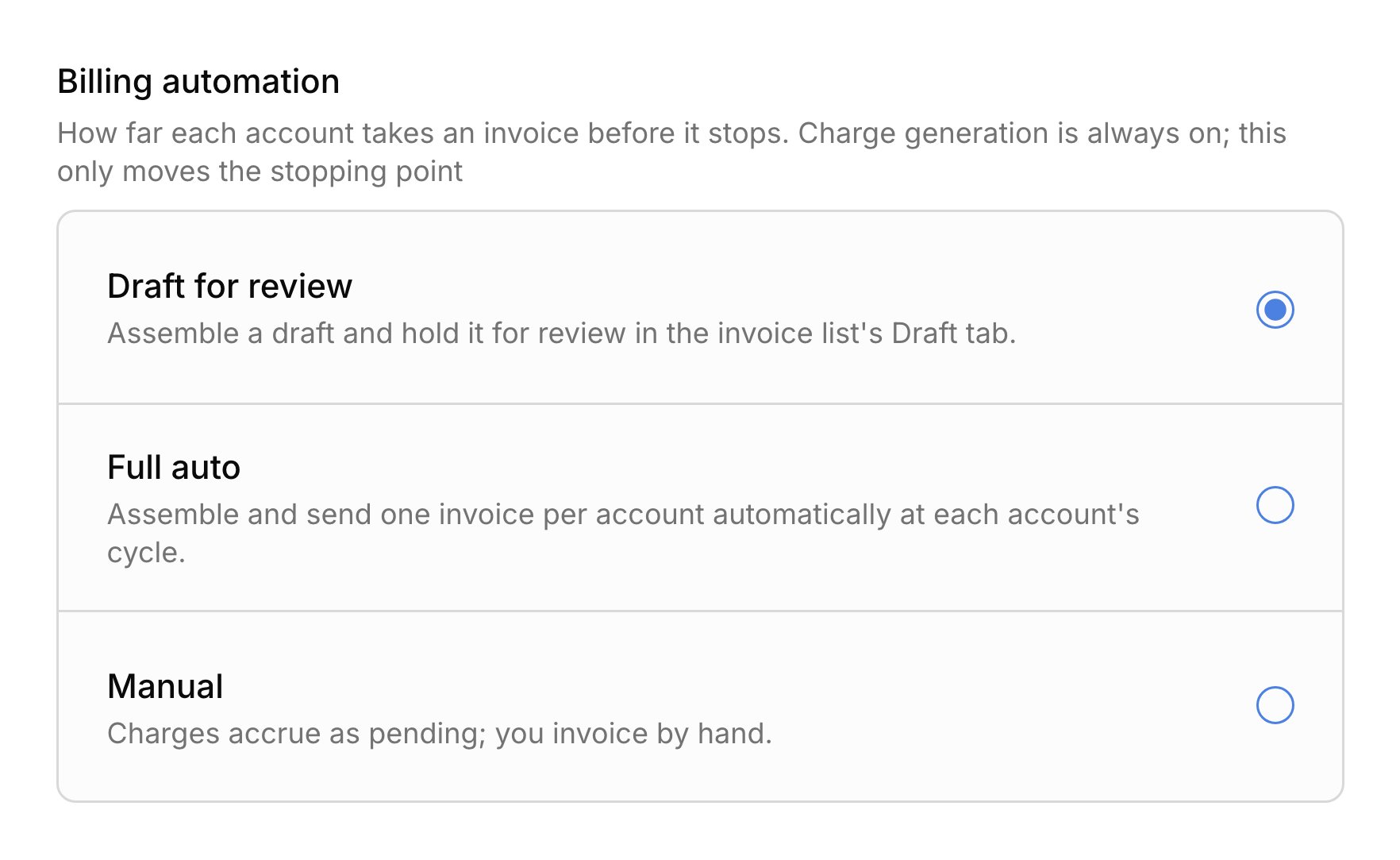
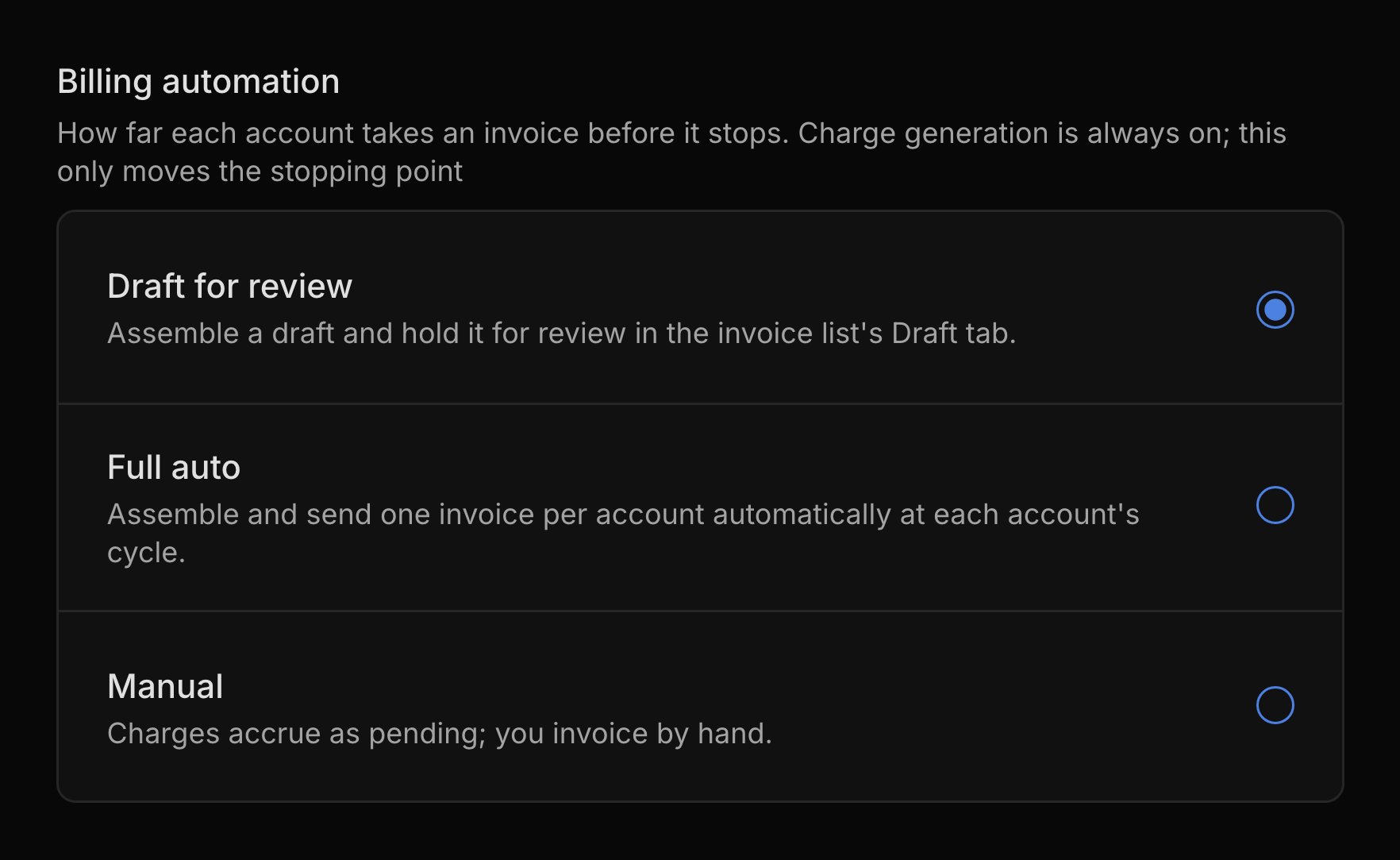
The Billing automation setting in Settings → Invoicing decides what happens when an account’s cycle closes. It applies to every account.- Manual: Harness makes no invoices. Charges wait on the account until you invoice by hand.
- Draft for review: Harness makes a draft for each account and leaves it on the Draft tab of Finances → Invoices. Nothing reaches families until you send it. New studios start here.
- Full auto: Harness makes each invoice and emails it to the family on the close day.
What Harness drafts
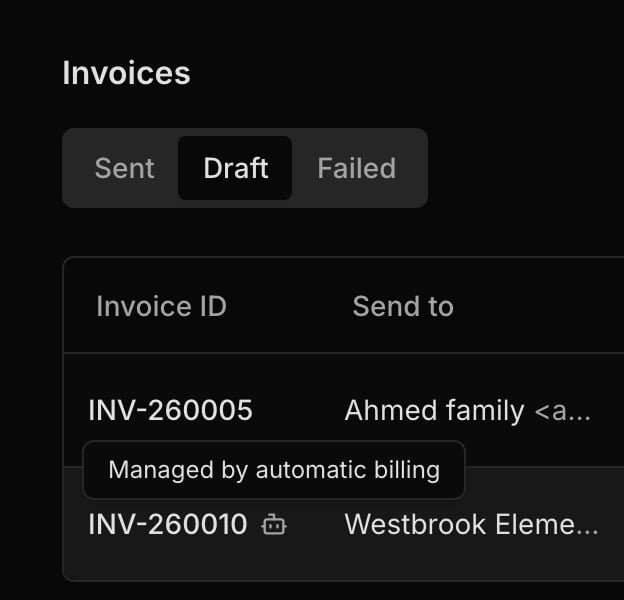
An automatic invoice collects everything waiting on the account: lessons you’ve marked, recurring charges, and extra charges. Harness marks it with a robot icon in the invoice list, and you open, edit, and send it like any invoice you made. Its terms, payment instructions, and reminders come from your invoice defaults. If you leave a draft unsent, the next cycle’s charges join it, so an account never piles up drafts.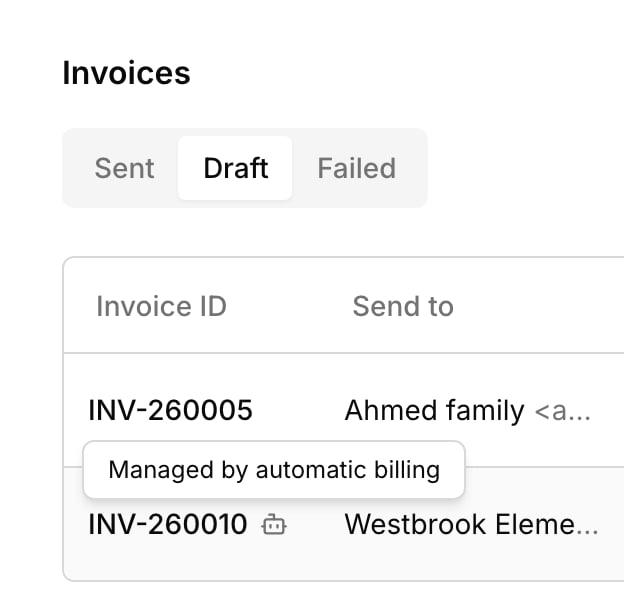
Turn on Full auto
Full auto sends each account’s invoice on its close day, with no review step. In Settings → Invoicing, choose Full auto, click Save changes, and confirm with Switch to full auto. Drafts already waiting don’t send right away; each goes out at its account’s next close. If an invoice can’t go out, like when no one on the account can receive email, it stays a draft and your inbox says why. If an email fails, Harness tries again for a few days, then tells you so you can send it again or void it. Harness never charges a family’s card on its own: they pay each invoice from its pay link (see Online payments).What your families see
Families hear from Harness only when an invoice is sent. At Full auto, everyone on the account gets the invoice email on the close day, with a Pay Now button when online payments are on. At the other levels, they get nothing until you send it. Drafts never show in the student portal.FAQ
Why didn't my invoice go out on the 1st?
Why didn't my invoice go out on the 1st?
At Draft for review, Harness only makes the draft. Send it from the Draft tab of Finances → Invoices, or turn on Full auto. At Full auto, check your inbox: an invoice Harness couldn’t send waits as a draft.
Why did one invoice go out with two months on it?
Why did one invoice go out with two months on it?
An automatic draft that isn’t sent keeps collecting charges at each close. Last month’s draft picked up this month’s charges before it went out.
Lessons started late this month. Can I bill just the last two weeks?
Lessons started late this month. Can I bill just the last two weeks?
Yes. Lessons bill only once you mark attendance, so the invoice holds just the lessons you taught. For monthly tuition, lower First charge when you add the recurring charge.
Why isn't last week's lesson on this invoice?
Why isn't last week's lesson on this invoice?
Lessons bill once attendance is marked. A lesson marked after the account’s close waits for the next bill.
Why did a charge I removed from a draft come back?
Why did a charge I removed from a draft come back?
A charge you take off a draft goes back to the account’s next bill. To keep it off for good, void the charge.