
What Harness tells you about
Every notification is one of these, and the last column shows which ones also come by email.
Problems with your Stripe account, like a disconnect, come only by email. The inbox is on every plan, so you always hear about sign-ups, Can’t attend, recurring charges, and bouncing email. Notifications for online payments, scheduling links, and automatic billing need the Professional plan.
The bell and the inbox
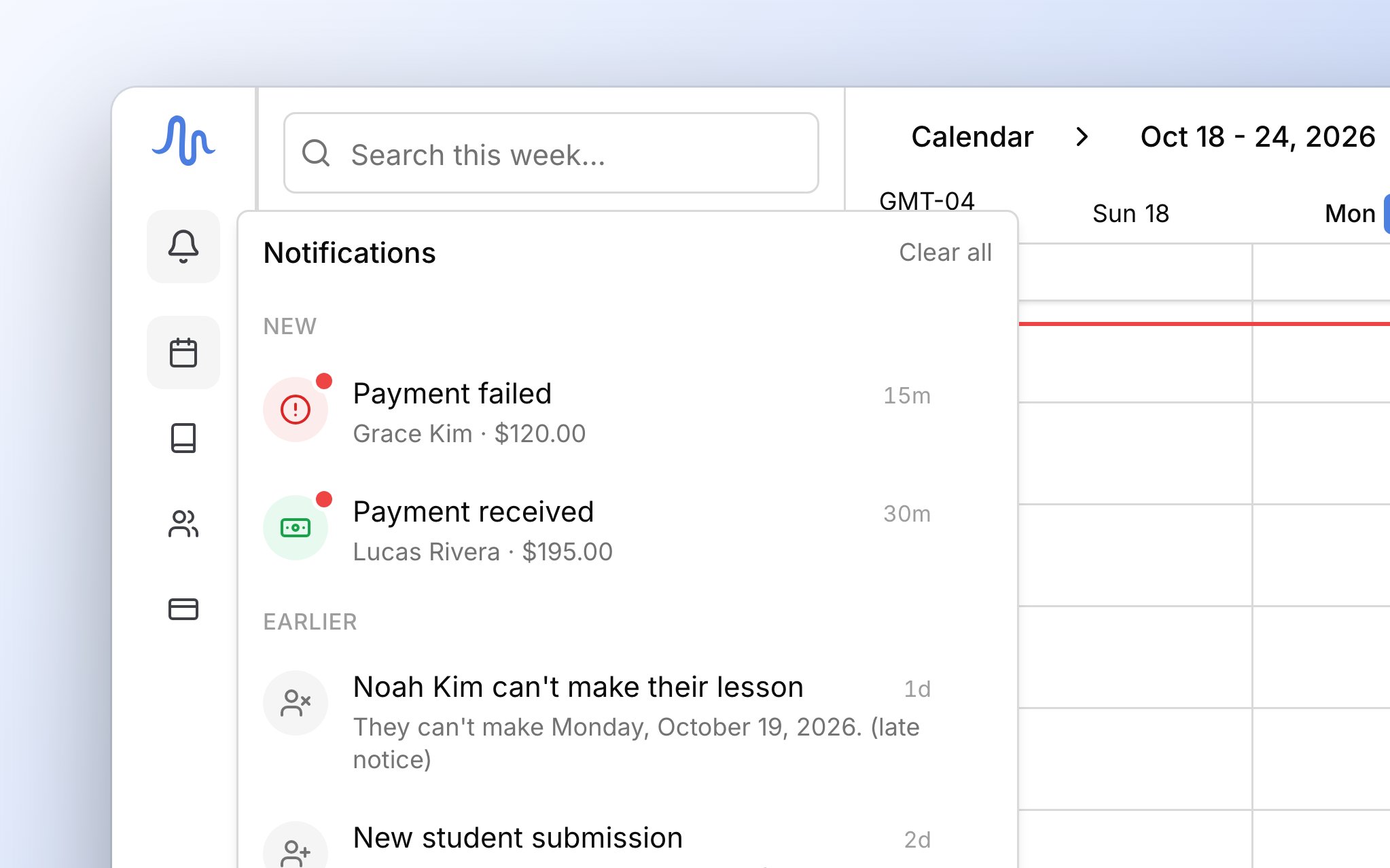
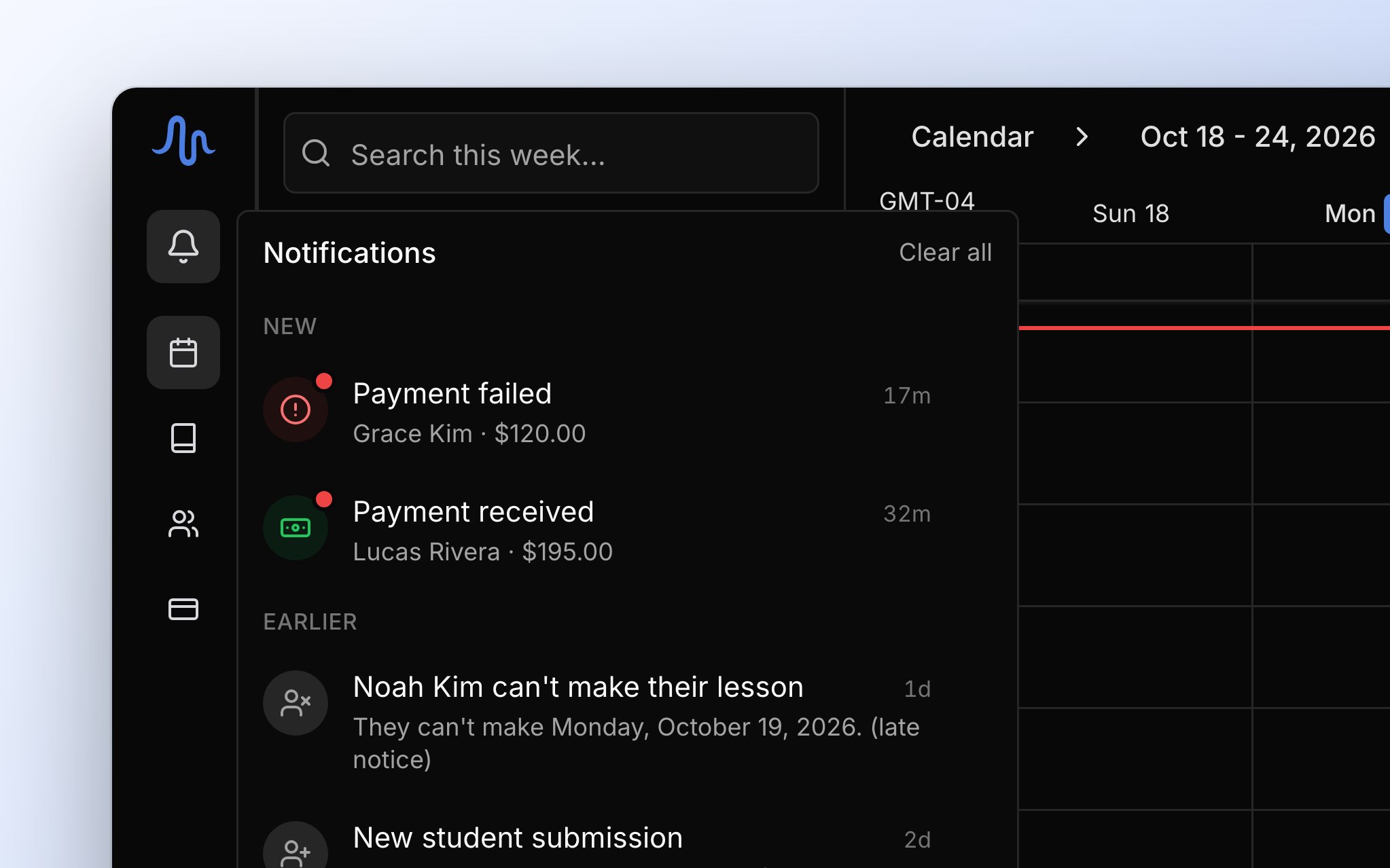
The bell is how you know something new has come in. Click Notifications, the bell at the top of the sidebar, to open your inbox (on a phone, it opens as a full page). A red dot on the bell means something arrived since you last looked, and opening the inbox clears it. The number beside the bell counts everything in your inbox, not just what’s new. On a computer, new items sit under New and the rest under Earlier, and next time it’s one list again. A red icon on a row means something needs you.Dismiss and clear
Clicking a row takes you to what it’s about but leaves it in your inbox. To remove one, click the X on its row, or click Clear all at the top of the panel to remove every row. Removing is permanent, but it never changes the invoice, payment, or lesson it was about. The inbox shows your most recent notifications, so older ones move out of view.FAQ
A family's card was declined. Why didn't I get a notification?
A family's card was declined. Why didn't I get a notification?
Declined cards don’t notify you, because the family can try again on the same pay page. Only a failed bank payment does.
Why didn't I get Billing run complete today?
Why didn't I get Billing run complete today?
It shows only on days Harness created or sent an invoice.
The bell says 12, but nothing is new. Why?
The bell says 12, but nothing is new. Why?
The number counts everything in your inbox. The red dot is what means something new. Dismiss old notifications to bring the number down.
I dismissed a payment notification. Did that undo the payment?
I dismissed a payment notification. Did that undo the payment?
No. Dismissing only removes it from your inbox, and the payment stays on Transactions.
Can I turn off some notifications?
Can I turn off some notifications?
No, there are no notification settings. Dismiss the ones you don’t need.