> ## Documentation Index
> Fetch the complete documentation index at: https://harnesscalendar.com/docs/llms.txt
> Use this file to discover all available pages before exploring further.
# Transactions
> Transactions is the history of every dollar in and out of your studio.
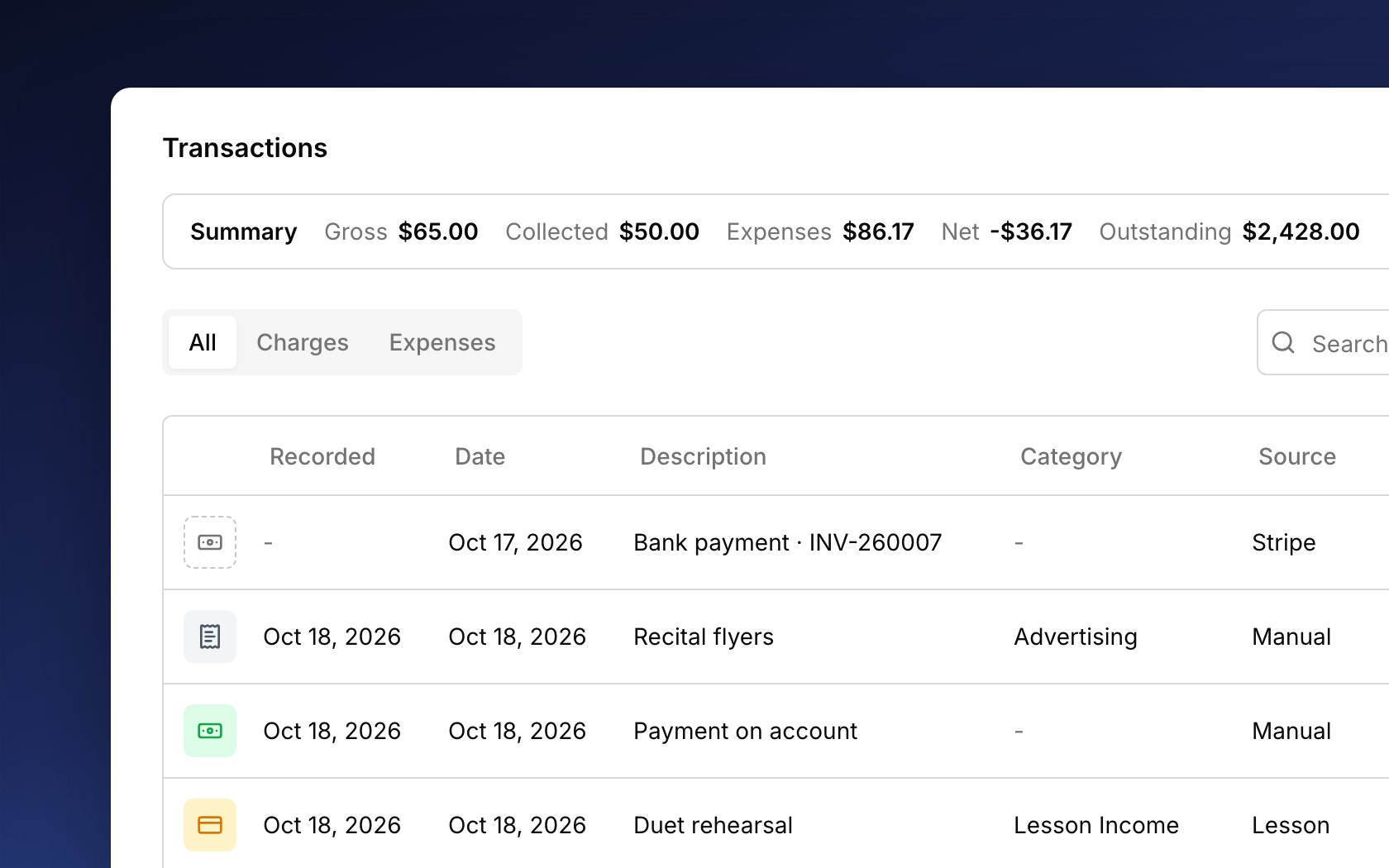
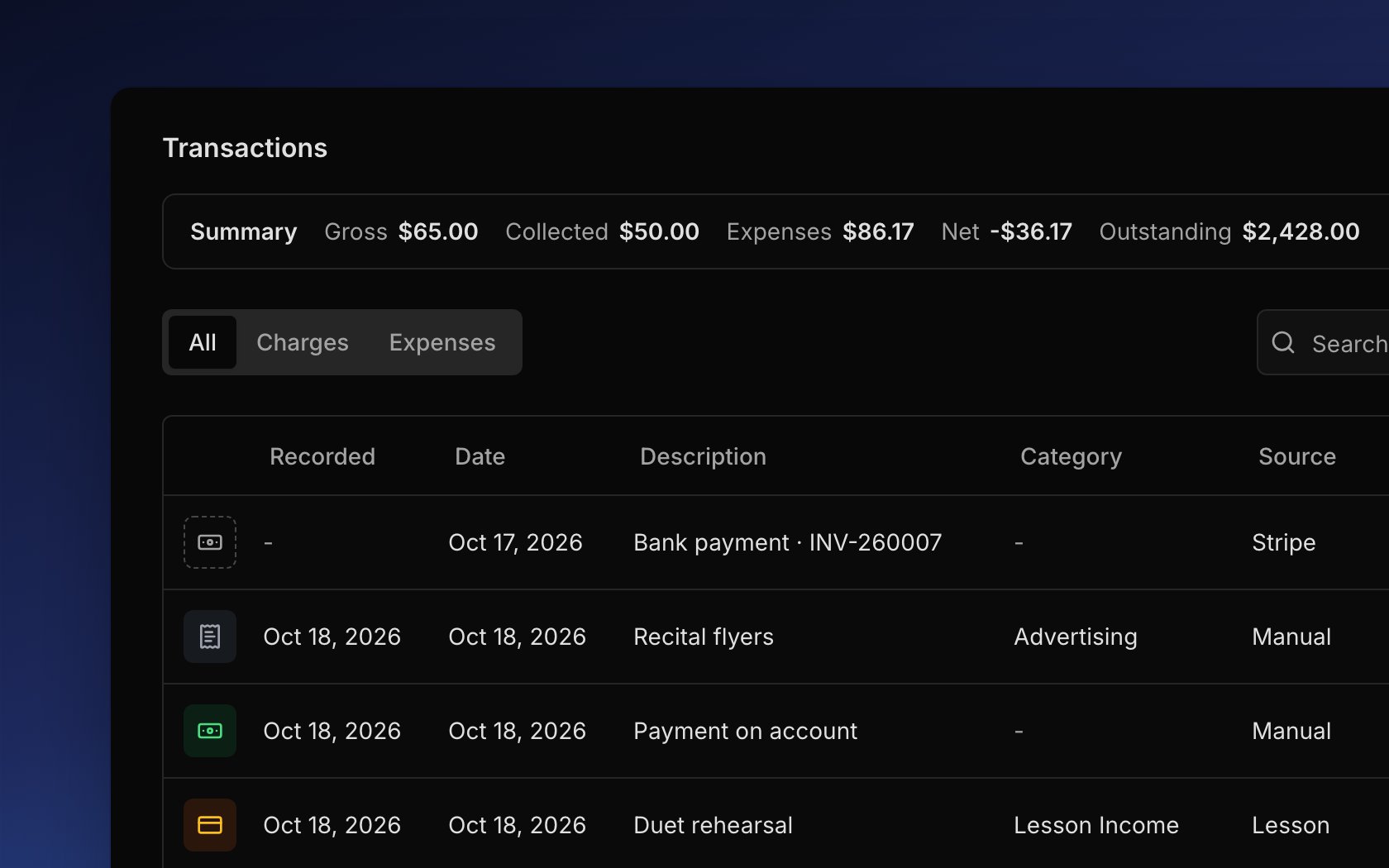 Every charge, payment, refund, and expense ends up here, whether it came from a lesson, an invoice, or a family paying online. Money that has moved is never edited: a mistake is fixed with a new entry beside the original, so the history always adds up. The summary on top shows what you billed, collected, and spent.
## Kinds of transactions
Each row is one transaction, and the icon at its start shows which kind. Open **Finances → Transactions** to see them all:
* Charges: what an account owes for lessons, fees, and anything you add. See [Charges](/docs/charges).
* Payments: money families paid you, recorded by hand or online. See [Payments](/docs/payments).
* Refunds: money you gave back. See [Refunds](/docs/refunds).
* Credits: [studio credit](/docs/credits) that came off an invoice.
* Expenses: what your studio spent, including the Stripe fee Harness records on each online payment. See [Expenses](/docs/expenses).
* Voids: an entry that cancels another one, which stays in the list struck through.
* Chargebacks and bounced refunds: rare entries for when a bank takes back a card payment or turns down a card refund.
**All** shows everything, while **Charges** and **Expenses** show only their own kind. The **Recorded** column is the day an entry went into Harness, and **Date** is when it happened, like the lesson day. Click any row to see what happened to the money, such as which invoice billed a charge and what paid it.
## Money on its way
A family's bank payment takes a few business days to clear. Until then, it sits at the top of the **All** tab as a grey row marked **Processing**, and it doesn't count toward any balance or total. When the money lands, it becomes an ordinary payment. If the bank doesn't complete it, the row goes away and you get an alert. For when the money reaches your bank, see [Online payments](/docs/online-payments#when-money-reaches-you).
## The summary
The **Summary** bar at the top shows how the studio is doing over the period you pick: **Past Week**, **Past Month**, or **Past Year**. It tells you what you billed, what families paid, what you spent, and what's still unpaid. Click the bar to open cards that compare each number with the period before.
## Add a transaction
Add a charge or an expense by hand with the **Add Transaction** button. Choose **Charge** for something like a book or a recital fee (see [Add an extra charge](/docs/charges#add-an-extra-charge)), or **Expense** for something the studio paid for (see [Record an expense](/docs/expenses#record-an-expense)). Press `c` or `x` anywhere in Harness to open them directly (see [keyboard shortcuts](/docs/keyboard-shortcuts)). Payments aren't added here; record them from the invoice or the account, as [Payments](/docs/payments) explains.
## Fix a mistake
Money that has moved can't be edited, so you fix a mistake with an action from the row's **⋯** menu:
* **Void transaction** cancels an entry but keeps it in the list, struck through, with a void entry beside it.
* **Delete transaction** erases a charge that was never paid or sent, or an expense, with no record left.
* **Cancel & refund** cancels a paid charge and gives the money back. See [Refunds](/docs/refunds#cancel-and-refund-a-charge).
* **Refund** on a payment gives back money the family has on the account. See [Refunds](/docs/refunds).
* A [studio credit](/docs/credits) makes up for something, like a missed lesson, without undoing anything.
A charge on a sent invoice can't change on its own, so [void the invoice](/docs/invoices#fix-or-void) first.
## FAQ
A new charge waits for the account's next invoice, so the balance goes up once that invoice is sent. A bank payment lowers it once the money clears, not while it shows **Processing**.
**Outstanding** includes charges that aren't on an invoice yet, like lessons waiting for the next bill. If you bill flat tuition, check that your lessons don't still have a per-lesson rate (see [Change the price](/docs/lessons#change-the-price)).
On the **All** tab. The **Charges** and **Expenses** tabs show only their own kind, so payments, refunds, and credits are on **All**. For one period's payments, a [transaction report](/docs/reports#transaction-report) for those dates lists them.
The summary counts all the money families paid, including money held on an account for later, while the [Profit & Loss report](/docs/reports#profit-and-loss) counts only money that paid for charges.
It was paid online, and online payments are undone with a [refund](/docs/refunds) instead. A payment you recorded by hand can be voided (see [Fix a payment](/docs/payments#fix-a-payment)).
This documentation is built and hosted on [Mintlify](https://mintlify.com), a developer documentation platform.
Every charge, payment, refund, and expense ends up here, whether it came from a lesson, an invoice, or a family paying online. Money that has moved is never edited: a mistake is fixed with a new entry beside the original, so the history always adds up. The summary on top shows what you billed, collected, and spent.
## Kinds of transactions
Each row is one transaction, and the icon at its start shows which kind. Open **Finances → Transactions** to see them all:
* Charges: what an account owes for lessons, fees, and anything you add. See [Charges](/docs/charges).
* Payments: money families paid you, recorded by hand or online. See [Payments](/docs/payments).
* Refunds: money you gave back. See [Refunds](/docs/refunds).
* Credits: [studio credit](/docs/credits) that came off an invoice.
* Expenses: what your studio spent, including the Stripe fee Harness records on each online payment. See [Expenses](/docs/expenses).
* Voids: an entry that cancels another one, which stays in the list struck through.
* Chargebacks and bounced refunds: rare entries for when a bank takes back a card payment or turns down a card refund.
**All** shows everything, while **Charges** and **Expenses** show only their own kind. The **Recorded** column is the day an entry went into Harness, and **Date** is when it happened, like the lesson day. Click any row to see what happened to the money, such as which invoice billed a charge and what paid it.
## Money on its way
A family's bank payment takes a few business days to clear. Until then, it sits at the top of the **All** tab as a grey row marked **Processing**, and it doesn't count toward any balance or total. When the money lands, it becomes an ordinary payment. If the bank doesn't complete it, the row goes away and you get an alert. For when the money reaches your bank, see [Online payments](/docs/online-payments#when-money-reaches-you).
## The summary
The **Summary** bar at the top shows how the studio is doing over the period you pick: **Past Week**, **Past Month**, or **Past Year**. It tells you what you billed, what families paid, what you spent, and what's still unpaid. Click the bar to open cards that compare each number with the period before.
## Add a transaction
Add a charge or an expense by hand with the **Add Transaction** button. Choose **Charge** for something like a book or a recital fee (see [Add an extra charge](/docs/charges#add-an-extra-charge)), or **Expense** for something the studio paid for (see [Record an expense](/docs/expenses#record-an-expense)). Press `c` or `x` anywhere in Harness to open them directly (see [keyboard shortcuts](/docs/keyboard-shortcuts)). Payments aren't added here; record them from the invoice or the account, as [Payments](/docs/payments) explains.
## Fix a mistake
Money that has moved can't be edited, so you fix a mistake with an action from the row's **⋯** menu:
* **Void transaction** cancels an entry but keeps it in the list, struck through, with a void entry beside it.
* **Delete transaction** erases a charge that was never paid or sent, or an expense, with no record left.
* **Cancel & refund** cancels a paid charge and gives the money back. See [Refunds](/docs/refunds#cancel-and-refund-a-charge).
* **Refund** on a payment gives back money the family has on the account. See [Refunds](/docs/refunds).
* A [studio credit](/docs/credits) makes up for something, like a missed lesson, without undoing anything.
A charge on a sent invoice can't change on its own, so [void the invoice](/docs/invoices#fix-or-void) first.
## FAQ
A new charge waits for the account's next invoice, so the balance goes up once that invoice is sent. A bank payment lowers it once the money clears, not while it shows **Processing**.
**Outstanding** includes charges that aren't on an invoice yet, like lessons waiting for the next bill. If you bill flat tuition, check that your lessons don't still have a per-lesson rate (see [Change the price](/docs/lessons#change-the-price)).
On the **All** tab. The **Charges** and **Expenses** tabs show only their own kind, so payments, refunds, and credits are on **All**. For one period's payments, a [transaction report](/docs/reports#transaction-report) for those dates lists them.
The summary counts all the money families paid, including money held on an account for later, while the [Profit & Loss report](/docs/reports#profit-and-loss) counts only money that paid for charges.
It was paid online, and online payments are undone with a [refund](/docs/refunds) instead. A payment you recorded by hand can be voided (see [Fix a payment](/docs/payments#fix-a-payment)).
This documentation is built and hosted on [Mintlify](https://mintlify.com), a developer documentation platform.