> ## Documentation Index
> Fetch the complete documentation index at: https://harnesscalendar.com/docs/llms.txt
> Use this file to discover all available pages before exploring further.
# Studio profile
> Your studio profile is who you are and what your studio is called.
 Harness shows these details wherever families meet you: on your emails, your invoices, the student portal, and your policy page. Fill them in before you send your first invoice.
## Your profile
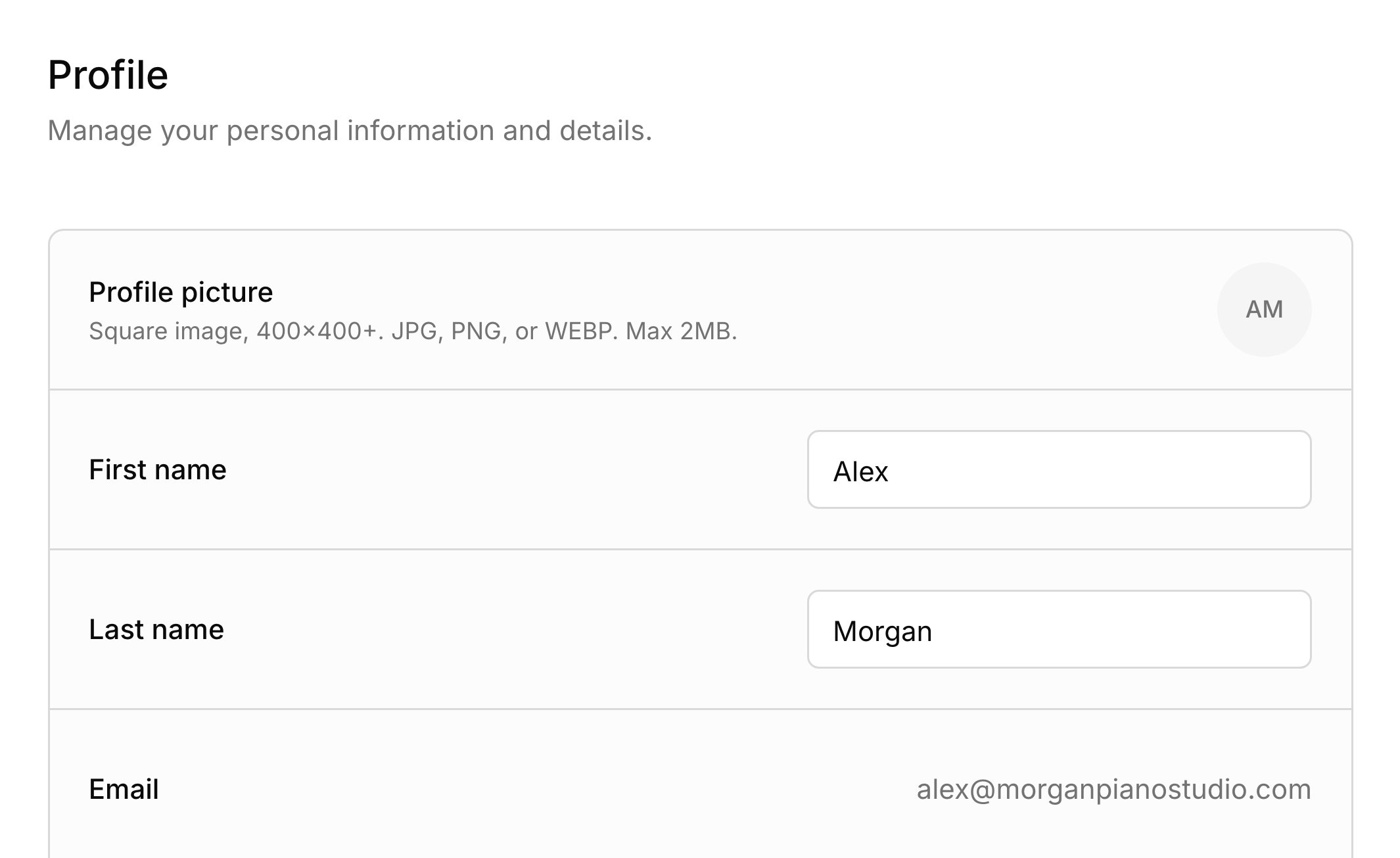
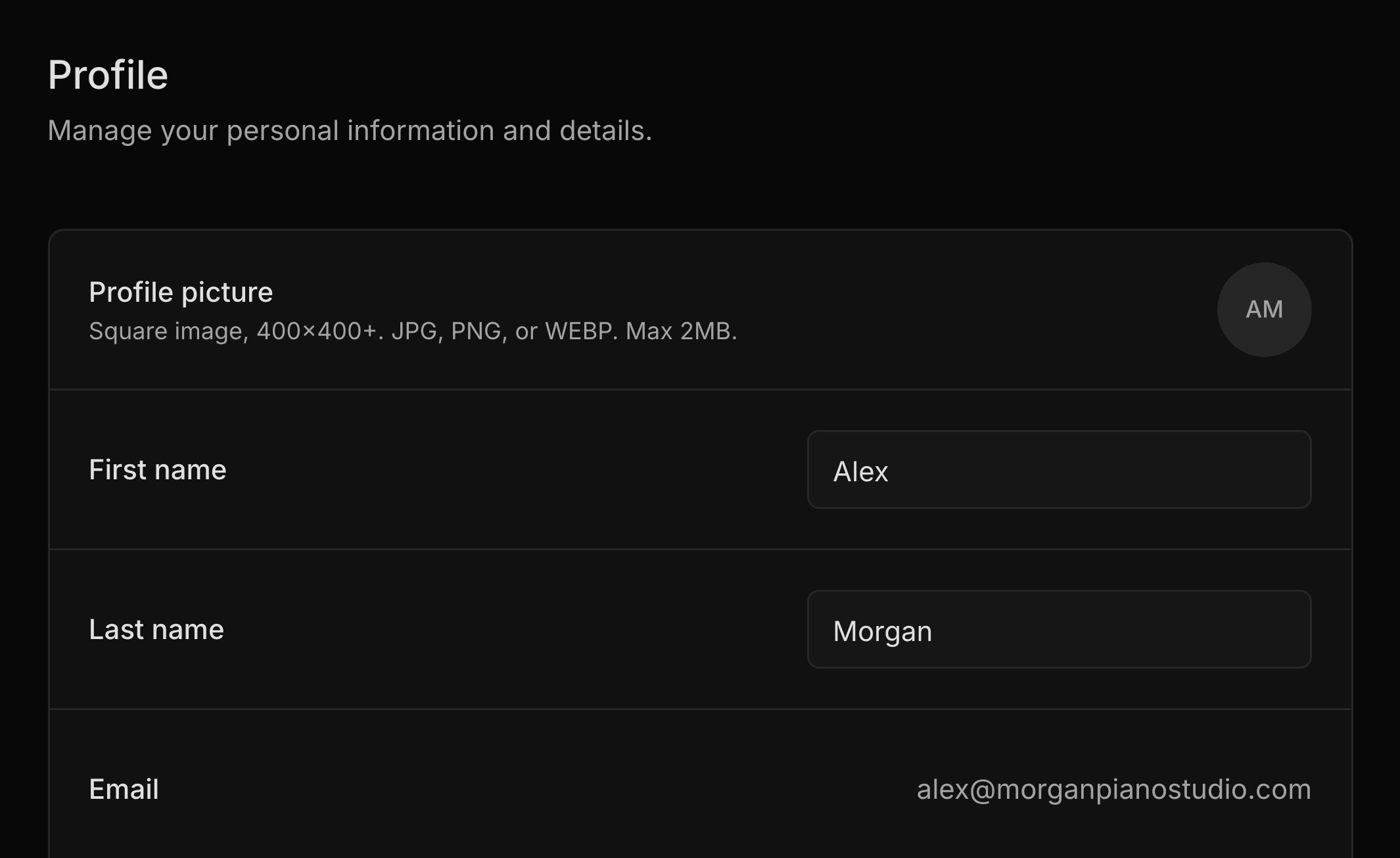
**Settings → Profile** holds the details about you. To open it, click your name at the bottom of the sidebar and choose **Settings**. Your photo and name show in the portal, and your phone, which is optional, can print on your invoices. Your **Timezone** sets every time on your calendar; see [Time zone](/docs/calendar#time-zone).
Two details are shown for reference only. **Email** is the address you sign in with, and it's where families' replies land. **Sending address** is the address families get your emails from, made from your name when you sign up; see [Messages](/docs/messages).
## Studio details
**Settings → Studio details** holds your business: its name, website, and address. You first fill these in while you [set up your studio](/docs/set-up-your-studio). The studio name heads your invoices and their emails, and titles your [studio policy](/docs/studio-policy) page. For the address, pick one of the suggestions to get a full street address, which your invoices need. You can also type something simpler, like "Room 302", and families still see it in the portal.
You choose which details print on your invoices in **Invoice header**, under **Settings → Invoicing**; see [Invoice defaults](/docs/invoices#invoice-defaults). The address and website come from your studio details, and the phone and email from your profile.
When you first [connect Stripe](/docs/online-payments#connect-stripe), Harness fills in Stripe's setup form from your studio details. After that, change them in Stripe.
## What your families see
Families see your details wherever they hear from you.
* Emails come from your name "via Harness", and their replies go to your sign-in email.
* Invoice emails and PDFs carry your studio name, plus the details you turned on in **Invoice header**.
* In the [student portal](/docs/student-portal), tapping your studio name shows your photo, name, time zone, and contact details. Anything you've filled in shows there, whatever your invoice choices.
* The booking page for a [scheduling link](/docs/scheduling-links) shows your name.
## FAQ
Your sending address is made once, when you sign up, and doesn't change with your name. Your emails still show your new name.
Your invoices need a full street address, so pick one from the suggestions in **Settings → Studio details** instead of typing it. The phone comes from your profile, so add it under **Settings → Profile**.
Harness fills in your Stripe details only when you first connect. After that, update them in Stripe.
A scheduling link keeps the name you had when you made it. Make a new link to show your new name.
It's the email you sign in with, so **Settings → Profile** shows it for reference only.
This documentation is built and hosted on [Mintlify](https://mintlify.com), a developer documentation platform.
Harness shows these details wherever families meet you: on your emails, your invoices, the student portal, and your policy page. Fill them in before you send your first invoice.
## Your profile
**Settings → Profile** holds the details about you. To open it, click your name at the bottom of the sidebar and choose **Settings**. Your photo and name show in the portal, and your phone, which is optional, can print on your invoices. Your **Timezone** sets every time on your calendar; see [Time zone](/docs/calendar#time-zone).
Two details are shown for reference only. **Email** is the address you sign in with, and it's where families' replies land. **Sending address** is the address families get your emails from, made from your name when you sign up; see [Messages](/docs/messages).
## Studio details
**Settings → Studio details** holds your business: its name, website, and address. You first fill these in while you [set up your studio](/docs/set-up-your-studio). The studio name heads your invoices and their emails, and titles your [studio policy](/docs/studio-policy) page. For the address, pick one of the suggestions to get a full street address, which your invoices need. You can also type something simpler, like "Room 302", and families still see it in the portal.
You choose which details print on your invoices in **Invoice header**, under **Settings → Invoicing**; see [Invoice defaults](/docs/invoices#invoice-defaults). The address and website come from your studio details, and the phone and email from your profile.
When you first [connect Stripe](/docs/online-payments#connect-stripe), Harness fills in Stripe's setup form from your studio details. After that, change them in Stripe.
## What your families see
Families see your details wherever they hear from you.
* Emails come from your name "via Harness", and their replies go to your sign-in email.
* Invoice emails and PDFs carry your studio name, plus the details you turned on in **Invoice header**.
* In the [student portal](/docs/student-portal), tapping your studio name shows your photo, name, time zone, and contact details. Anything you've filled in shows there, whatever your invoice choices.
* The booking page for a [scheduling link](/docs/scheduling-links) shows your name.
## FAQ
Your sending address is made once, when you sign up, and doesn't change with your name. Your emails still show your new name.
Your invoices need a full street address, so pick one from the suggestions in **Settings → Studio details** instead of typing it. The phone comes from your profile, so add it under **Settings → Profile**.
Harness fills in your Stripe details only when you first connect. After that, update them in Stripe.
A scheduling link keeps the name you had when you made it. Make a new link to show your new name.
It's the email you sign in with, so **Settings → Profile** shows it for reference only.
This documentation is built and hosted on [Mintlify](https://mintlify.com), a developer documentation platform.