> ## Documentation Index
> Fetch the complete documentation index at: https://harnesscalendar.com/docs/llms.txt
> Use this file to discover all available pages before exploring further.
# Message history
> Every email sent from your studio, recorded where it happened and readable as the recipient saw it.
Every email Harness sends is kept as a record: who it went to, what it said, and what became of it. [Emails Harness sends](/docs/students/emails-harness-sends) lists what triggers each one; this page covers where the record lives and what you can do with it.
## Where it lives
| Surface | What it lists |
| -------------------------------------------------------- | ------------------------------------------------------- |
| **Messages** tab on a student | Every email about that student, whoever received it |
| **Messages** tab on an account (**Finances → Accounts**) | The account's billing email, with a **Students** column |
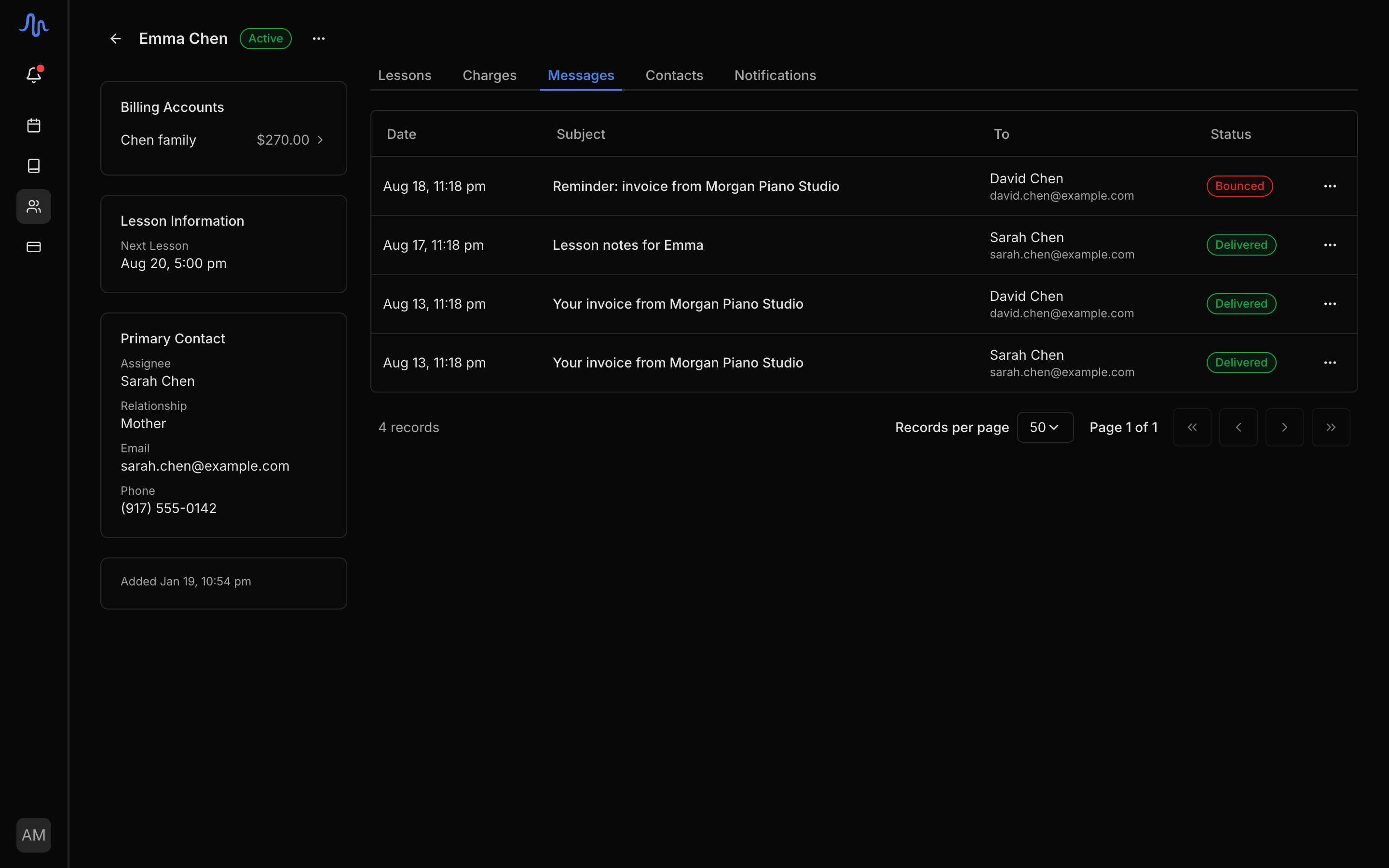
Both lists run newest first. Each recipient gets their own copy of an email, and each copy is its own row: an invoice to two parents appears twice, and neither parent sees the other's address.
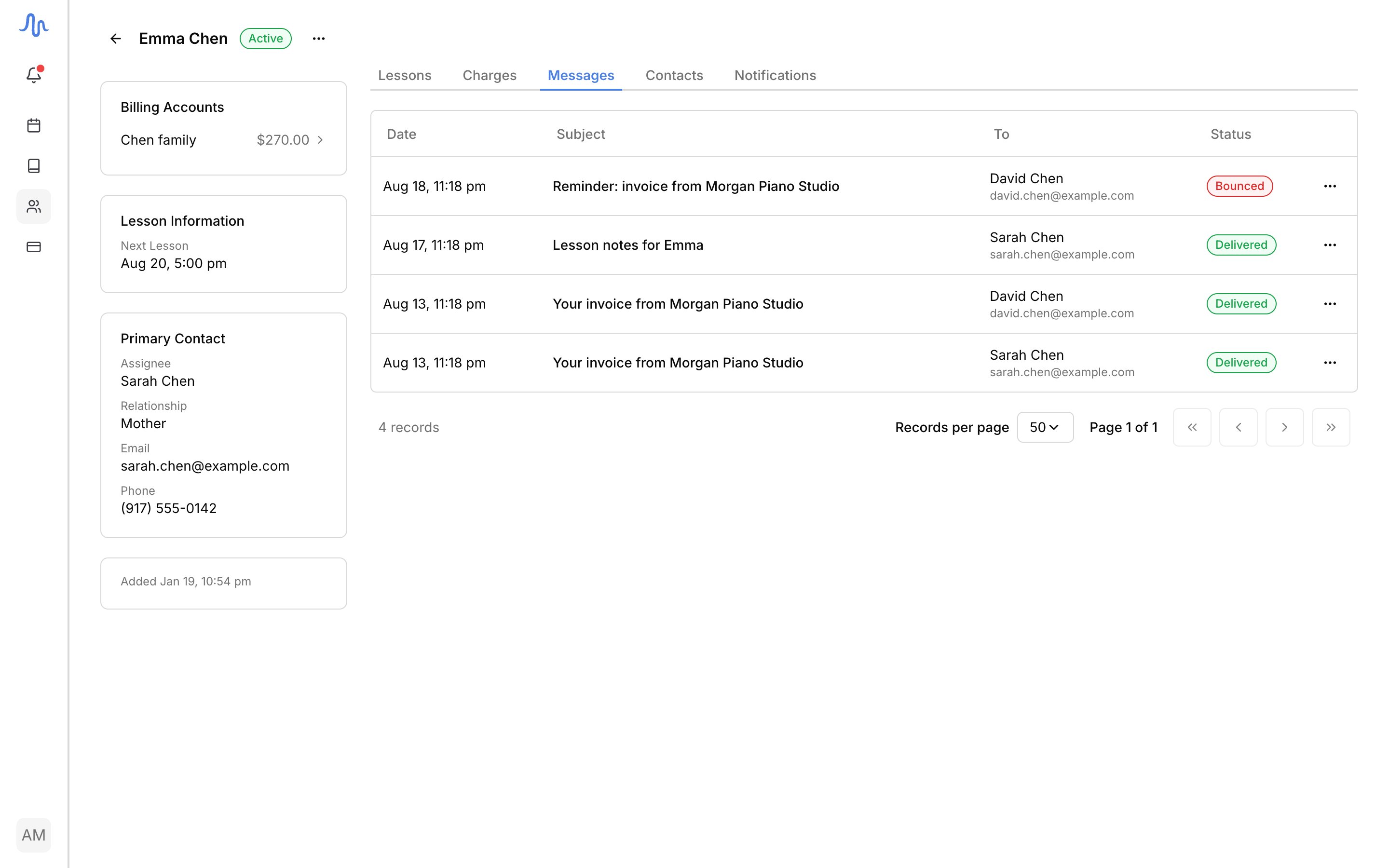
 ## What a row shows
| Column | Content |
| ------------ | ----------------------------------------------------------------------------------------------- |
| **Date** | When it was sent, in your studio's timezone |
| **Subject** | The subject line as sent. Older mail with no recorded subject shows the email's type instead |
| **To** | The recipient's name, with the address the email actually went to beneath it |
| **Students** | Which students the email concerned (account tab only) |
| **Status** | The delivery outcome. See [delivery statuses](/docs/students/emails-harness-sends#delivery-statuses) |
## Read a message
Click a row to open it. The panel shows who received it, when, the sending and reply-to addresses (click any address to copy it), and the email exactly as it arrived. Links inside the message are shown but don't work: the record is for reading, not for acting on the recipient's behalf. Attachments are listed by name.
Where there is nothing to show, the panel says why: mail sent before Harness kept email content has no body to display, and a send that failed before an email was composed has none either.
## Send a message again
One action on each row (the **…** menu, or the button on the open message), with two labels:
| Label | Offered when | What it sends |
| -------------- | ------------------------------------ | -------------------------------------------------- |
| **Send again** | The message was delivered | An exact copy of the original, to the same address |
| **Try again** | The send failed for a fixable reason | The same email, to the contact's current address |
**Try again** uses the contact's current address, so correcting a typo and retrying proves the fix in two clicks. The resend lands in the list as a new row with its own status, and opening it shows which email it copies, with a **View original** link.
Invoices resend differently: **Send again** on an invoice re-runs the invoice's own send, with today's figures, a fresh PDF, and the invoice's recipients. The confirmation says so before anything sends.
Resending isn't offered while a message is still sending, when its address is [no longer receiving mail](/docs/students/emails-harness-sends#when-an-address-stops-working), or when the original wasn't recorded fully enough to copy. Wait a few minutes between resends of the same message.
## What a row shows
| Column | Content |
| ------------ | ----------------------------------------------------------------------------------------------- |
| **Date** | When it was sent, in your studio's timezone |
| **Subject** | The subject line as sent. Older mail with no recorded subject shows the email's type instead |
| **To** | The recipient's name, with the address the email actually went to beneath it |
| **Students** | Which students the email concerned (account tab only) |
| **Status** | The delivery outcome. See [delivery statuses](/docs/students/emails-harness-sends#delivery-statuses) |
## Read a message
Click a row to open it. The panel shows who received it, when, the sending and reply-to addresses (click any address to copy it), and the email exactly as it arrived. Links inside the message are shown but don't work: the record is for reading, not for acting on the recipient's behalf. Attachments are listed by name.
Where there is nothing to show, the panel says why: mail sent before Harness kept email content has no body to display, and a send that failed before an email was composed has none either.
## Send a message again
One action on each row (the **…** menu, or the button on the open message), with two labels:
| Label | Offered when | What it sends |
| -------------- | ------------------------------------ | -------------------------------------------------- |
| **Send again** | The message was delivered | An exact copy of the original, to the same address |
| **Try again** | The send failed for a fixable reason | The same email, to the contact's current address |
**Try again** uses the contact's current address, so correcting a typo and retrying proves the fix in two clicks. The resend lands in the list as a new row with its own status, and opening it shows which email it copies, with a **View original** link.
Invoices resend differently: **Send again** on an invoice re-runs the invoice's own send, with today's figures, a fresh PDF, and the invoice's recipients. The confirmation says so before anything sends.
Resending isn't offered while a message is still sending, when its address is [no longer receiving mail](/docs/students/emails-harness-sends#when-an-address-stops-working), or when the original wasn't recorded fully enough to copy. Wait a few minutes between resends of the same message.