> ## Documentation Index
> Fetch the complete documentation index at: https://harnesscalendar.com/docs/llms.txt
> Use this file to discover all available pages before exploring further.
# Recurring charges
> Recurring charges are fees billed on a schedule, like monthly tuition or a rental.
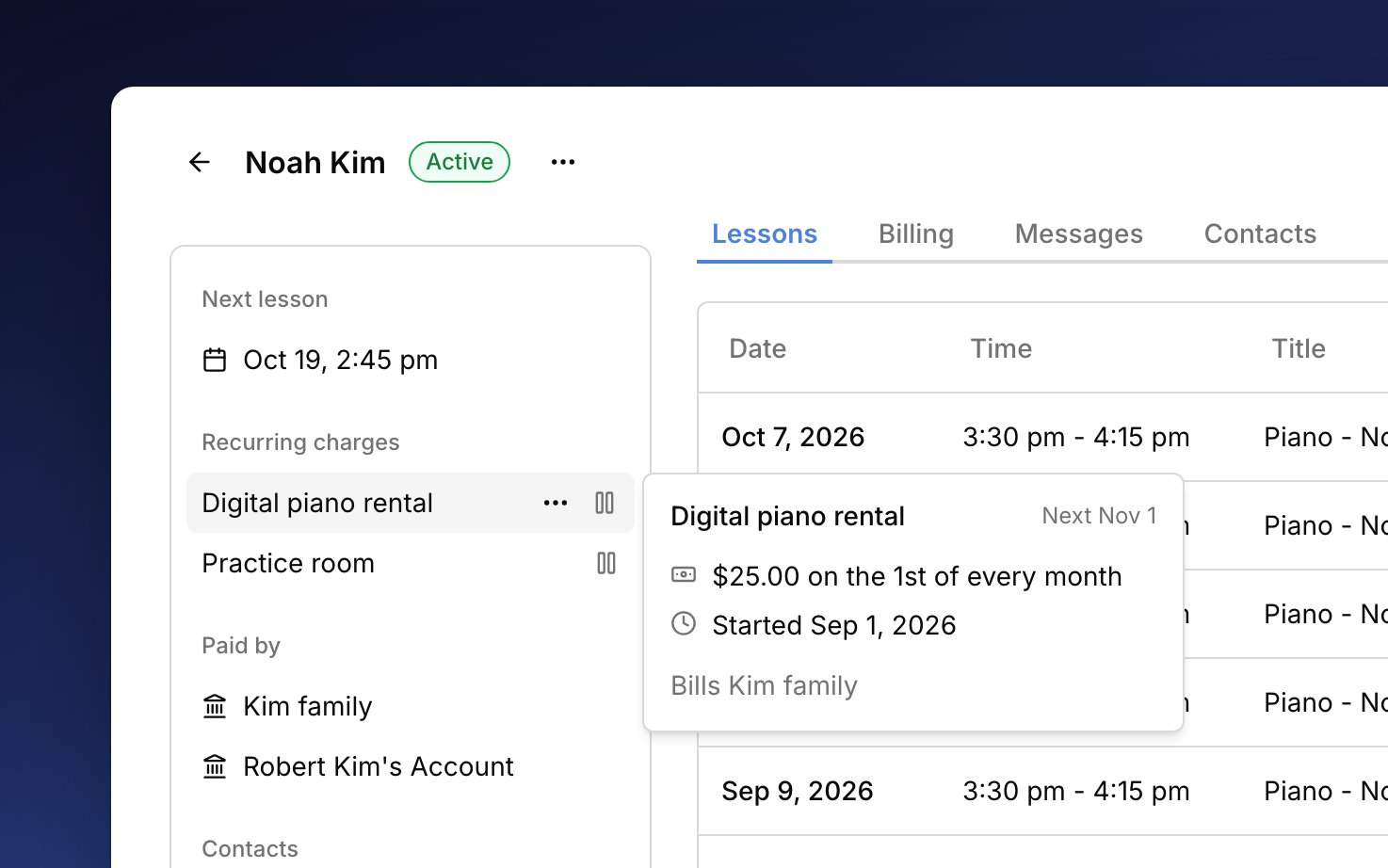
 A recurring charge bills a set fee on its dates instead of per lesson. You save the fee once and add it to each student or [account](/docs/accounts) it bills. Harness creates each charge on its date, and it goes on the account's next [invoice](/docs/invoices) with everything else.
## What they're for
Use a recurring charge for anything you bill at a set price on a schedule, like monthly tuition, an instrument rental, or a term fee. A fee repeats **Weekly**, **Monthly**, or **Annually**, or on a **Custom** schedule, such as every two weeks or every three months for a term. If you bill flat monthly tuition, set up those lessons without a price so marking attendance doesn't charge on top of it (see [Make an event a lesson](/docs/lessons#make-an-event-a-lesson)).
## Set one up
Save the fee once in your settings, then add it to each student or account that pays it.
Go to **Settings → Recurring charges**, click **+**, and enter the name, amount, category, and how often it repeats. Click **Create**. The category is how the income is grouped in your [reports](/docs/reports), so a rental can show apart from lesson income.
From the student's or account's **⋯** menu, choose **Add recurring charge** and pick the fee under **Charge**. To make a new fee without leaving, pick **New template** at the bottom of the list.
**Starts** is the first charge's date, and later charges bill on the same day of the week or month. It can't be changed later. **Ends** is optional. Lower **First charge** for a short first month, or set it to 0 to skip it. If you bill per lesson, you don't need this: lessons bill only once you mark attendance (see [Automatic billing](/docs/automatic-billing#faq)). Check the sentence at the bottom, which says who's billed and when, then click **Add**.
Harness adds recurring charges once a day, so one starting today may not appear until tomorrow, still dated today. Until a charge is created, the account's [Next bill](/docs/accounts#next-bill) shows it as a line with a clock.
## Who it bills
Where you add a recurring charge decides who pays it. On a student, each charge follows their [billing rules](/docs/billing-rules), so it splits between payers the same way their lessons do. On an account, it bills that account directly, which suits a school or a fee for the whole family. Each charge then waits for the account's next invoice like any other [charge](/docs/charges), and families see it there as a line under the fee's name, with no separate notice.
Recurring charges are created on every plan. Having Harness draft or send the invoices that collect them is on the Professional plan (see [Automatic billing](/docs/automatic-billing) and [Your plan](/docs/your-plan)).
## Change, pause, or end
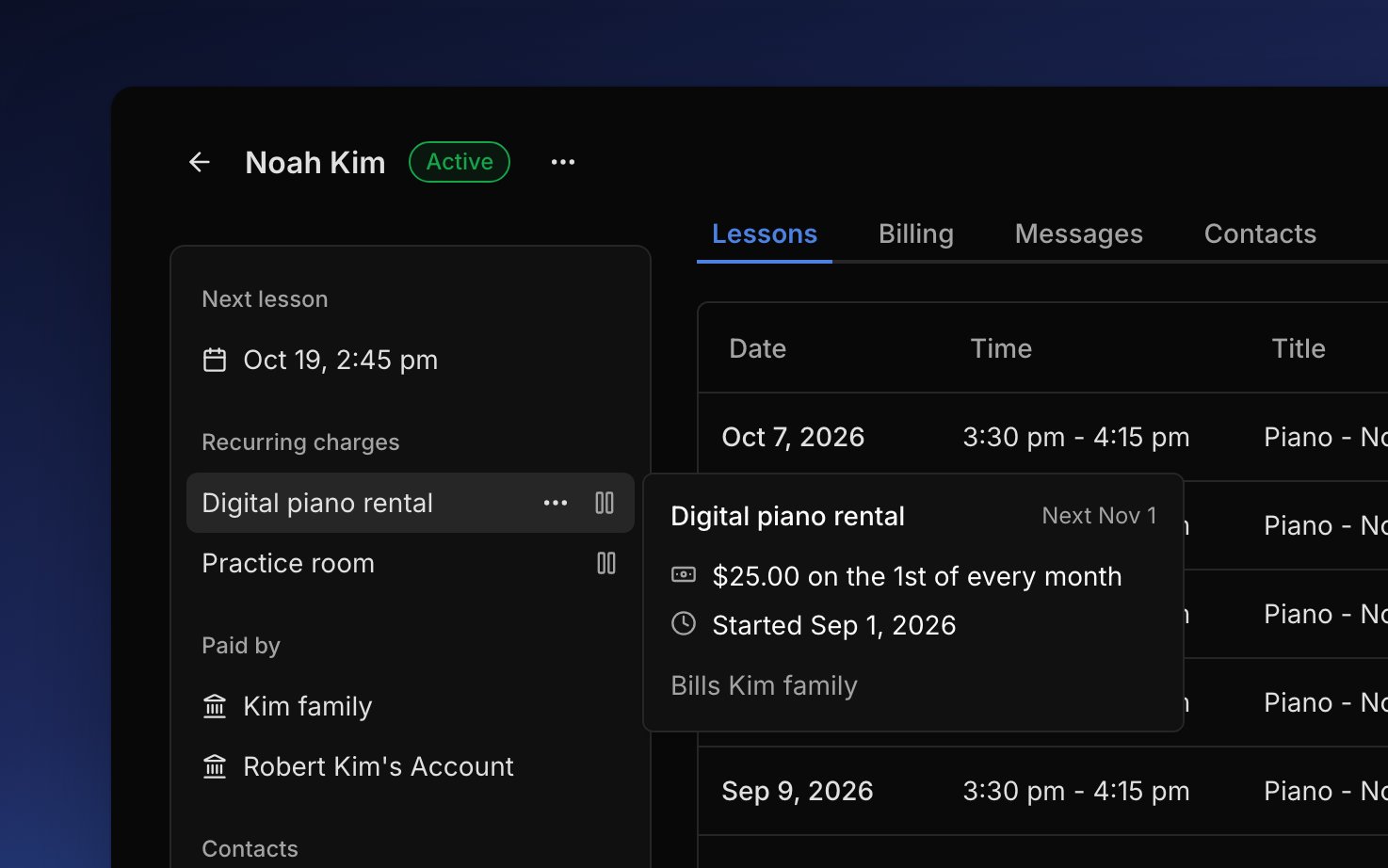
A student's or account's recurring charges are listed in the sidebar of their page. Hover one to see its next date, or click it to change its end date. To change the price for everyone who pays a fee, edit it in **Settings → Recurring charges**; charges already made keep their old amount.
* **Pause** for a break, like summer. Paused dates are skipped, and **Resume** picks up at the next date.
* **End** when it's over. Charges it already made stay, and **Start again** sets up a new one later. If the family already paid for a date after the end, use [Cancel & refund](/docs/refunds#cancel-and-refund-a-charge) on that charge.
* **Delete** one that never billed, like a charge added by mistake.
When you [make a student inactive](/docs/students#make-a-student-inactive), Harness offers to end their recurring charges.
If a date can't bill, for example because no one is set to pay for the student, the charge shows **Not billed** with what to fix, and you get an alert in your [inbox](/docs/inbox-and-notifications). Later dates wait until you fix it.
## FAQ
Open the charge from the sidebar. It may be paused, ended, or showing **Not billed** with what to fix. A charge due today can take until tomorrow to appear.
Save a fee with a **Custom** schedule that repeats every 2 weeks, and add it to that student. Each charge goes on the account's next invoice, on its [billing cycle](/docs/automatic-billing#billing-cycles).
Paused dates are skipped, not saved for later. To bill a missed month, add an [extra charge](/docs/charges#add-an-extra-charge) for it.
Those dates couldn't bill, often because no one was set to pay for the student, so they waited. Once you fixed it, every waiting date billed together. To drop one, void it (see [Change or void a charge](/docs/charges#change-or-void-a-charge)).
The two are separate, so a lesson with a price still charges when you mark attendance. Take the price off those lessons (see [Change the price](/docs/lessons#change-the-price) and [Make an event a lesson](/docs/lessons#make-an-event-a-lesson)).
This documentation is built and hosted on [Mintlify](https://mintlify.com), a developer documentation platform.
A recurring charge bills a set fee on its dates instead of per lesson. You save the fee once and add it to each student or [account](/docs/accounts) it bills. Harness creates each charge on its date, and it goes on the account's next [invoice](/docs/invoices) with everything else.
## What they're for
Use a recurring charge for anything you bill at a set price on a schedule, like monthly tuition, an instrument rental, or a term fee. A fee repeats **Weekly**, **Monthly**, or **Annually**, or on a **Custom** schedule, such as every two weeks or every three months for a term. If you bill flat monthly tuition, set up those lessons without a price so marking attendance doesn't charge on top of it (see [Make an event a lesson](/docs/lessons#make-an-event-a-lesson)).
## Set one up
Save the fee once in your settings, then add it to each student or account that pays it.
Go to **Settings → Recurring charges**, click **+**, and enter the name, amount, category, and how often it repeats. Click **Create**. The category is how the income is grouped in your [reports](/docs/reports), so a rental can show apart from lesson income.
From the student's or account's **⋯** menu, choose **Add recurring charge** and pick the fee under **Charge**. To make a new fee without leaving, pick **New template** at the bottom of the list.
**Starts** is the first charge's date, and later charges bill on the same day of the week or month. It can't be changed later. **Ends** is optional. Lower **First charge** for a short first month, or set it to 0 to skip it. If you bill per lesson, you don't need this: lessons bill only once you mark attendance (see [Automatic billing](/docs/automatic-billing#faq)). Check the sentence at the bottom, which says who's billed and when, then click **Add**.
Harness adds recurring charges once a day, so one starting today may not appear until tomorrow, still dated today. Until a charge is created, the account's [Next bill](/docs/accounts#next-bill) shows it as a line with a clock.
## Who it bills
Where you add a recurring charge decides who pays it. On a student, each charge follows their [billing rules](/docs/billing-rules), so it splits between payers the same way their lessons do. On an account, it bills that account directly, which suits a school or a fee for the whole family. Each charge then waits for the account's next invoice like any other [charge](/docs/charges), and families see it there as a line under the fee's name, with no separate notice.
Recurring charges are created on every plan. Having Harness draft or send the invoices that collect them is on the Professional plan (see [Automatic billing](/docs/automatic-billing) and [Your plan](/docs/your-plan)).
## Change, pause, or end
A student's or account's recurring charges are listed in the sidebar of their page. Hover one to see its next date, or click it to change its end date. To change the price for everyone who pays a fee, edit it in **Settings → Recurring charges**; charges already made keep their old amount.
* **Pause** for a break, like summer. Paused dates are skipped, and **Resume** picks up at the next date.
* **End** when it's over. Charges it already made stay, and **Start again** sets up a new one later. If the family already paid for a date after the end, use [Cancel & refund](/docs/refunds#cancel-and-refund-a-charge) on that charge.
* **Delete** one that never billed, like a charge added by mistake.
When you [make a student inactive](/docs/students#make-a-student-inactive), Harness offers to end their recurring charges.
If a date can't bill, for example because no one is set to pay for the student, the charge shows **Not billed** with what to fix, and you get an alert in your [inbox](/docs/inbox-and-notifications). Later dates wait until you fix it.
## FAQ
Open the charge from the sidebar. It may be paused, ended, or showing **Not billed** with what to fix. A charge due today can take until tomorrow to appear.
Save a fee with a **Custom** schedule that repeats every 2 weeks, and add it to that student. Each charge goes on the account's next invoice, on its [billing cycle](/docs/automatic-billing#billing-cycles).
Paused dates are skipped, not saved for later. To bill a missed month, add an [extra charge](/docs/charges#add-an-extra-charge) for it.
Those dates couldn't bill, often because no one was set to pay for the student, so they waited. Once you fixed it, every waiting date billed together. To drop one, void it (see [Change or void a charge](/docs/charges#change-or-void-a-charge)).
The two are separate, so a lesson with a price still charges when you mark attendance. Take the price off those lessons (see [Change the price](/docs/lessons#change-the-price) and [Make an event a lesson](/docs/lessons#make-an-event-a-lesson)).
This documentation is built and hosted on [Mintlify](https://mintlify.com), a developer documentation platform.